
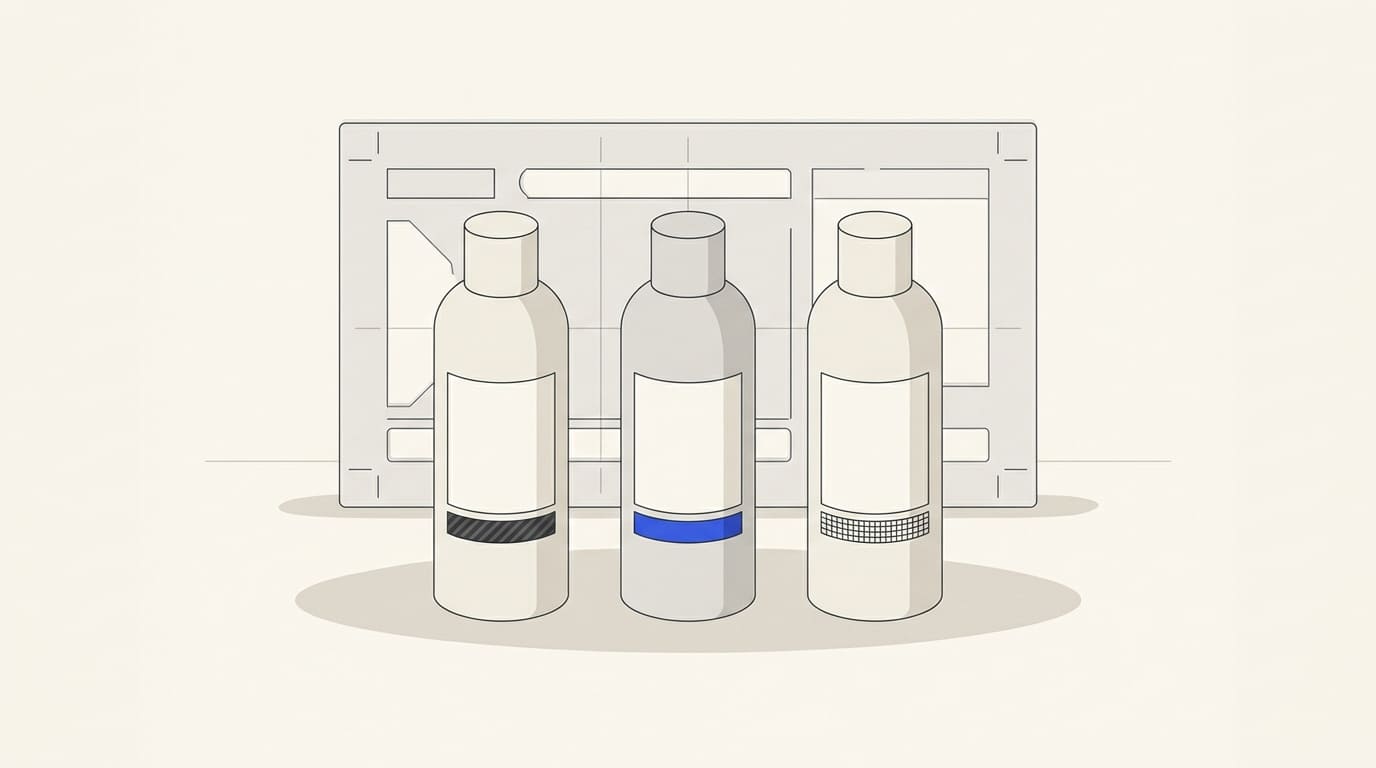
A range gains a new flavour, size or formula, and the designer creates another label. Without a defined system, variants become too similar or cease to look like one brand's products.
Design the series as related layouts. Fixed elements support recognition; variable ones help buyers and staff distinguish individual items.
List variants and data
Gather current products and anticipated extensions. For each, record name, item code, packaging size, distinguishing properties, languages and approved content.
Do not begin by assigning colours randomly. First identify meaningful differences: composition, purpose, volume, version or compatibility.
Assign data owners. Names, specifications and required content should come from an agreed source. Inputs are covered in the packaging design brief.
Separate fixed and variable areas
Fix brand placement, typography style, core proportions and key information locations. This is the series foundation.
Reserve variable areas for variant name, volume, image, composition and identifiers. Decide which elements change together and which remain fixed.
Check that the system serves one range with a shared offer. If products address different audiences and require different perceptions, first discuss one brand and multiple business lines.
Distinguish variants through several cues
Colour helps orientation but should not be the sole difference. Add a readable name, size or another product-appropriate identifier.
Review the series together on a shelf and individually. Buyers should recognise the brand and find their variant even when shades are hard to distinguish or product photos are small.
Illustrative example. A range has three variants in two volumes. Names and colour areas distinguish variants; a prominent volume label stays in a fixed position. Six items then do not require six unrelated designs.
Test one additional variant for future expansion: is there enough space without changing the entire foundation?
Check edge cases and release requirements
Use the smallest label, longest name and language version with the most text. They reveal constraints earlier than an easy demonstration example.
Obtain dimensions and packaging manufacturer's requirements, including application areas and variable production data. The responsible product and market specialist checks mandatory information and labelling language; styling does not replace that review.
Do not compress or recolour codes merely to fit a composition. Size, clear space and quality requirements depend on code type and scanning conditions. For retail 2D codes, see GS1 guidance. Reading successfully with one phone does not confirm all print quality parameters.
Separate visual and production approvals
Confirm content and item-code correspondence, then the series appearance and manufacturing readiness. Keep check results for every item.
Assess a sample on actual packaging: curves, seams, transparency and lighting can hide an important identifier. Check data and code reading in intended conditions.
A mockup supports appearance discussions but does not replace a production sample. See the distinction in AI packaging mockups.
A variant record and update process
- Item code, name and distinguishing properties.
- Size, construction and label language.
- Fixed elements and variable areas.
- Sources of text, specifications and codes.
- Layout version and content and design approvals.
- Production checks and release approval status.
- Effective date, owner and previous-edition archive.
When a property changes, update linked versions and product images so an old layout does not return in a new print run. Connect the series system with visual identity and brand book development, agreeing variant, format and language counts separately.