
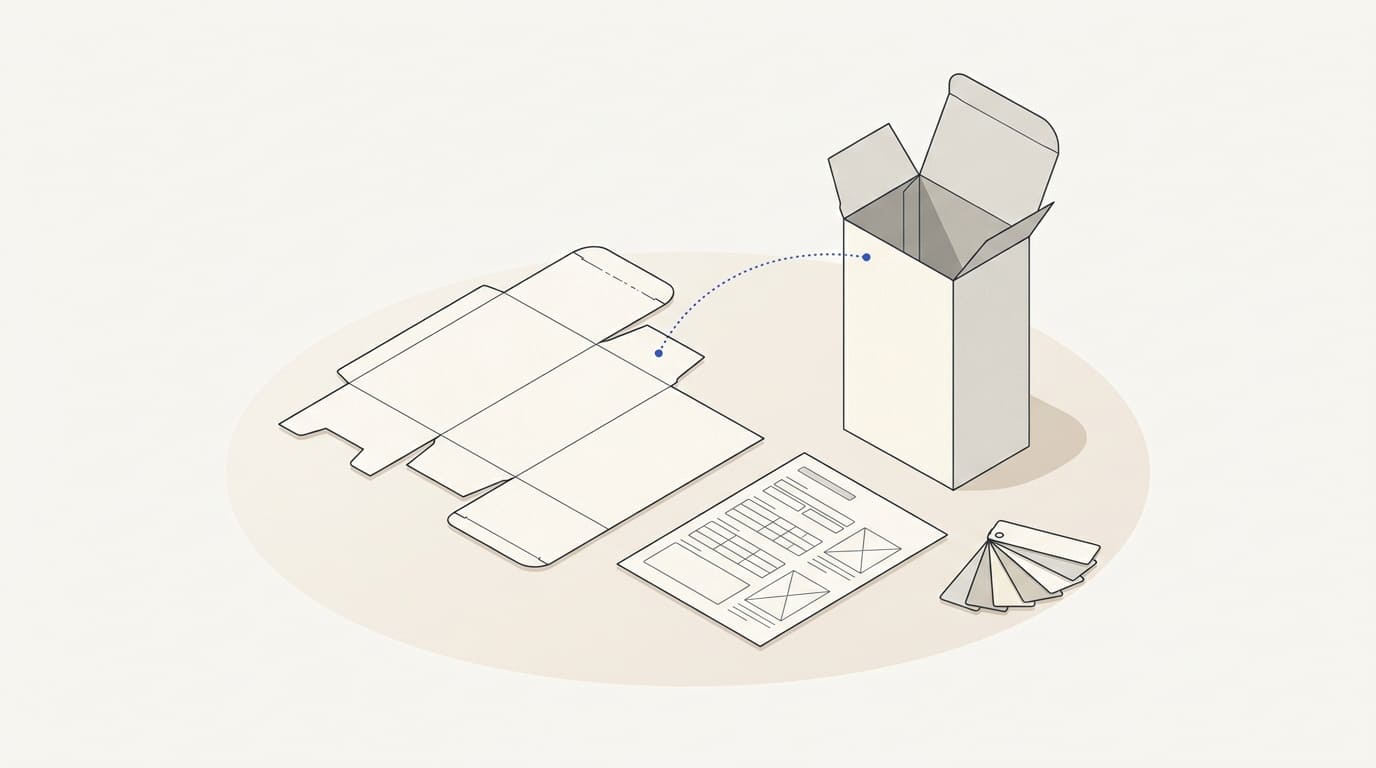
Packaging design starts with information about the product, the structure and the production process. If you approve an attractive front panel before receiving dimensions, copy and printing constraints, much of the layout may need to be reworked.
Before work begins, gather the inputs and decide who approves each item. This helps estimate the design scope and prepare a result that can be handed over to production.
Clarify what needs to be designed
Separate graphic design, packaging structure and print preparation. These are different tasks, even if one supplier handles them all.
A designer may be asked to create artwork for an existing box, label or bag. If the shape, material and closure have not been chosen, a packaging structure and production specialist is needed first. Graphic artwork alone does not confirm the packaging's strength or the material's suitability for the product.
Specify what the order includes: one package, a range of variants, language versions, presentation images or print files. Do not treat a visualisation as a production-ready file.
Obtain the dieline and manufacturer's requirements
Request the current dieline at scale, with dimensions, cut and fold lines, glue areas and other technical markings. For a label, provide its dimensions, shape and placement on the specific container.
Ask the manufacturer to specify the material, printing method, permitted colours and requirements for images, small text and additional finishes. Transparent, coloured or textured materials should be considered before choosing the palette.
Bleed extends the artwork beyond the trim line to help prevent an unprinted edge after cutting. Agree on its size with the printer for the specific job, rather than taking it from a random template. This is explained in the Adobe documentation on bleeds and printer's marks.
Provide approved content
Collect the product name, variants, description and all copy that must appear on the packaging. Identify mandatory information and data that changes between items: volume, product code, language or other specifications.
Provide text in an editable format. For multiple variants, use a single list with clear identifiers to avoid mixing up labels and files.
Appoint someone to confirm the accuracy of the information and the mandatory labelling required for the target market. The designer places approved content; responsibility for checking product requirements and permitted claims should be assigned separately to a qualified specialist.
Do not add words such as “eco-friendly” or “best”, or certification marks, as decorative elements without confirming that they apply.
Prepare brand and product materials
Provide the logo, typefaces, palette, design guidelines and examples of existing packaging. If source files are missing, discuss recreating or preparing them in advance. The logo versions suppliers need are covered in the article on logo formats for websites and print.
Include photographs or a product sample. Show where people will see the packaging: on a shelf, during delivery or in an online store's product card. This helps establish priorities and check whether variants in the range are distinguishable.
If AI visualisations are planned later, retain the exact label files and approved views of the packaging. Preparing these inputs is covered in “How to Prepare a Product for AI Visualisation”.
Agree on space for codes and variable data
Provide verified data and requirements for barcodes, QR codes, batch numbers or dates, where these are included. Clarify what is printed with the artwork and what is applied later.
A barcode should not be arbitrarily stretched or surrounded by graphics with no clearance. Check its dimensions, quiet zones and placement for the chosen code type and printing method. The importance of quiet zones and checking printed results is discussed in the GS1 Canada guide for packaging designers and producers.
Successfully scanning one sample with a phone does not replace the agreed barcode quality verification on the finished packaging.
Materials checklist before starting
- The packaging type, product and conditions of use are defined.
- The current dieline or exact label specifications are available.
- The manufacturer has supplied printing and file preparation requirements.
- Copy, translations and specifications are organised by product variant.
- Responsibility for content and mandatory labelling is assigned.
- Brand materials, images and their usage terms are available.
- Codes, variable data and their placement are agreed.
- Approval stages, sample checks and the files to be delivered are defined.
Before the print run, agree on the checking method: a full-size mockup, an assembled sample, a colour proof or a production trial, depending on the task. An on-screen image does not show every property of the material, printing and assembly.
The visual work can be discussed as part of graphic design. If the packaging is developed alongside the brand, include it in the brand identity brief, and record the scope and responsibilities in the commercial proposal.