
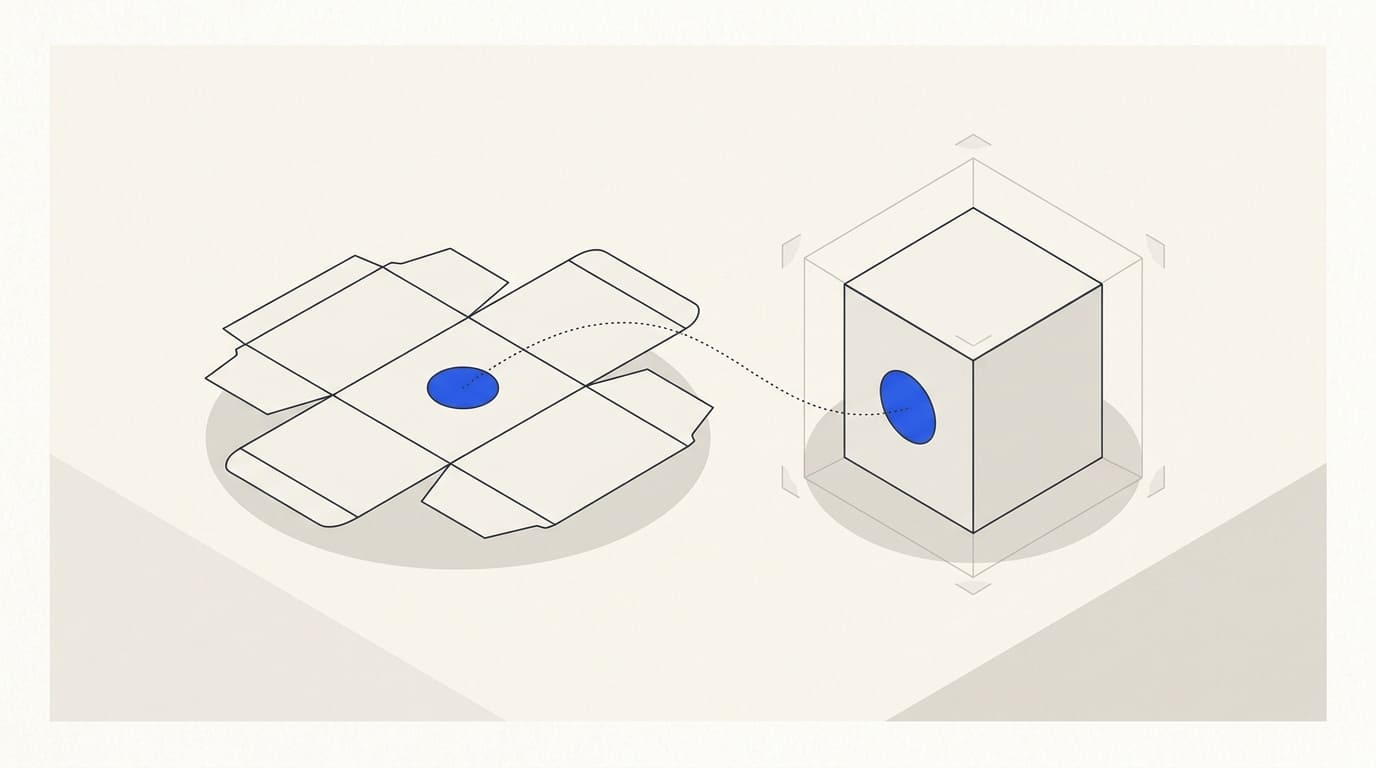
A mockup shows a design on three-dimensional packaging before a sample is made. But an impressive scene can subtly change the box shape, label width, seam position or text. The customer then approves an impression that does not match the future product.
Before preparing the visual, define its purpose: discussing an idea, checking graphic placement or presenting specific approved packaging. These tasks require different levels of accuracy.
Start with the actual structure
Obtain dimensions, the dieline and material information from the manufacturer. Clarify the shape, closure, folds, seams, windows and areas hidden after assembly.
If the structure is not yet chosen, label the mockup as a preliminary concept. One visualisation cannot confirm capacity, strength or manufacturability.
The packaging design brief covers source materials.
Separate precise artwork from the generated scene
Provide approved logos, labels, text and production artwork as separate files. Do not ask generation to reinvent markings or readable wording.
For accurate presentation, use controlled artwork placement on a suitable photograph or packaging model. AI can help with settings and concepts, but the result still needs comparison with the structure and source files.
If the shape must strictly match dimensions, consider a sample photograph or a dimensionally prepared 3D model. Choose the process according to the accuracy required, beyond the appearance of the first image.
Check the dieline and assembled view
Compare each side of the visual with the artwork. Check that graphics appear on the intended panel, continue across folds as designed and avoid seams or hidden areas.
Check separately:
- proportions, edges and closure;
- label size and position;
- logo and text orientation;
- pattern joins, folds and seams;
- windows, transparent areas and product visibility;
- coating, texture and depicted finishes.
Do not add foil, embossing or gloss to the mockup if that finish is not part of the agreed packaging. A visual effect can create expectations of a different specification and cost.
Separate image acceptance from production checks
A mockup does not confirm print colour on a particular material, coating behaviour or assembly accuracy. Check these with the manufacturer using the file and a physical sample. The next step is reviewing artwork with the printer.
Take the barcode from an approved source rather than generation. A plausible appearance in a mockup does not confirm readability. GS1 describes using a dedicated verifier to assess printed barcode quality in its official guidance.
Agree who confirms the structure, markings, design and production result. A marketer's approval of the visual does not replace those checks.
Clarify status before presentation and publication
Illustrative example. A concept shows a matte box with embossing, while the production brief currently specifies ordinary printing only. Before presenting it, the team either confirms the finish with the manufacturer or changes the visual and explains that it shows a preliminary direction.
For an existing product page, the image must match the packaging being sold. If the design has not been produced, do not present it as a photograph of a finished product.
For advertising adaptations, check angle, crop, label and setting. The article on AI backgrounds for product photographs develops the checks for preserving the source product.
Mockup acceptance checklist
- Image purpose and status are defined.
- Structure, dimensions and the current dieline are supplied.
- Approved text and artwork are used.
- Sides, folds, seams and proportions are compared.
- Finishes match the brief or are labelled as a concept.
- Production checks and owners are agreed.
- Publication versions and product correspondence are checked.
- Source files, artwork version and approvals are saved.
You can discuss mockups as part of AI visual content. Provide the dieline, photographs or shape model and design assets; structural development, marking verification and sample production are agreed separately.