
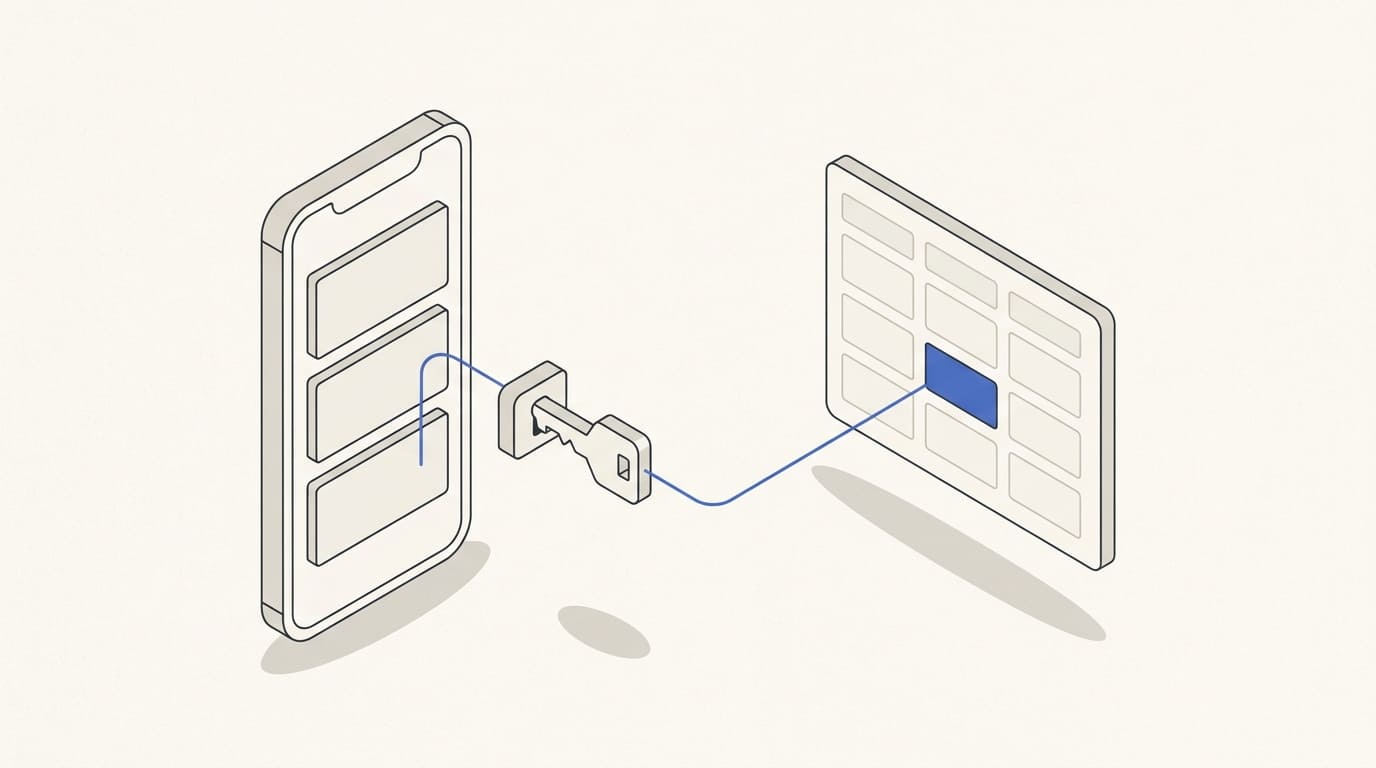
A Telegram Mini App can let customers view their enquiries, documents, bookings or service status. The usefulness of this portal depends on two things: current data and correct access restrictions.
Before development, establish who owns each record, which actions customers may perform and which system confirms the outcome. The portal screen is only the visible part of this work.
Choose the tasks for the first version
Start with a few actions customers actually need: checking an enquiry's status, opening their document, changing a booking or submitting missing information.
For each screen, specify the data source, editing permissions and the person responsible for keeping information current. Do not copy the entire internal CRM into the customer interface: internal comments, managers' assessments and other customers' information do not belong in the portal.
If a conversation or a few notifications are sufficient, a complex interface may be unnecessary. The article on choosing a Telegram bot, Mini App or website explains how to select the format.
Validate Telegram sign-in on the server
The server must validate the Mini App's launch data before using it for portal access. Telegram warns against trusting initDataUnsafe; validation uses initData. Its documentation also describes checking auth_date to limit the use of outdated data. Telegram Mini Apps documentation.
Do not reveal personal information simply because the interface supplied a user identifier or order number. Without a verified sign-in, the portal must display a safe state containing no customer data.
Keep the bot token and CRM keys on the server. Define a separate way for the browser interface to communicate with that server and rules for session expiry.
Link the Telegram user to a CRM customer
Verifying a Telegram user does not establish which customer record they may view. Linking requires a separate process, such as confirming access through an already verified customer contact or issuing an invitation with a limited validity period.
Do not select a customer record based on a matching name or an unverified email entered by the user. A corporate customer may have several employees, while one person may have access to several contracts.
Describe the roles: portal owner, authorised employee and representative with restricted permissions. Specify who grants and revokes access and what happens when the customer's responsible contact changes. Include these conditions in the Telegram bot specification and related scenarios.
Check permissions for every action and document
Hiding a button does not restrict access. The server must check permission for a specific record when it is viewed, downloaded or changed.
Illustrative example. A user may view only their company's enquiries. If they substitute another enquiry's number in a request, the server does not return its contents. The same rule applies to documents and actions that can be requested without navigating through the menu.
Separate reading permissions from editing permissions. Plan access revocation, role changes and checks on previously issued document links. Logs should record necessary actions and permission-check outcomes without unnecessary personal information or secrets.
Agree how data updates and failures are handled
Establish where the current record resides and how the portal receives changes. If updates are delayed, display the last update time and do not present an old status as a confirmed current one.
When submitting a change to the CRM, distinguish “received”, “processing” and “confirmed”. Repeated taps must not create several identical requests. If the CRM is unavailable, customers need a clear status and next step.
Define conflict-resolution rules: what happens if a customer and an account manager change a record at the same time? Also check integration failures, revoked access and repeat sign-ins using the principles of Telegram bot acceptance before launch.
Portal planning card before development
- Which screens and actions are included in the first version?
- Where does the data come from, and when is it updated?
- How are sign-in and session expiry checked?
- How is the user linked to a CRM customer?
- Which roles permit reading, downloading and changing records?
- How is access granted and revoked?
- What happens during a failure, repeated action or conflicting change?
- Who checks access separation and is responsible for ongoing support?
The Telegram bots and Mini Apps proposal provides a starting point for discussing customer screens, CRM integration and server logic. Begin the estimate with this planning card: it defines the scope and verifiable acceptance conditions for the portal.