
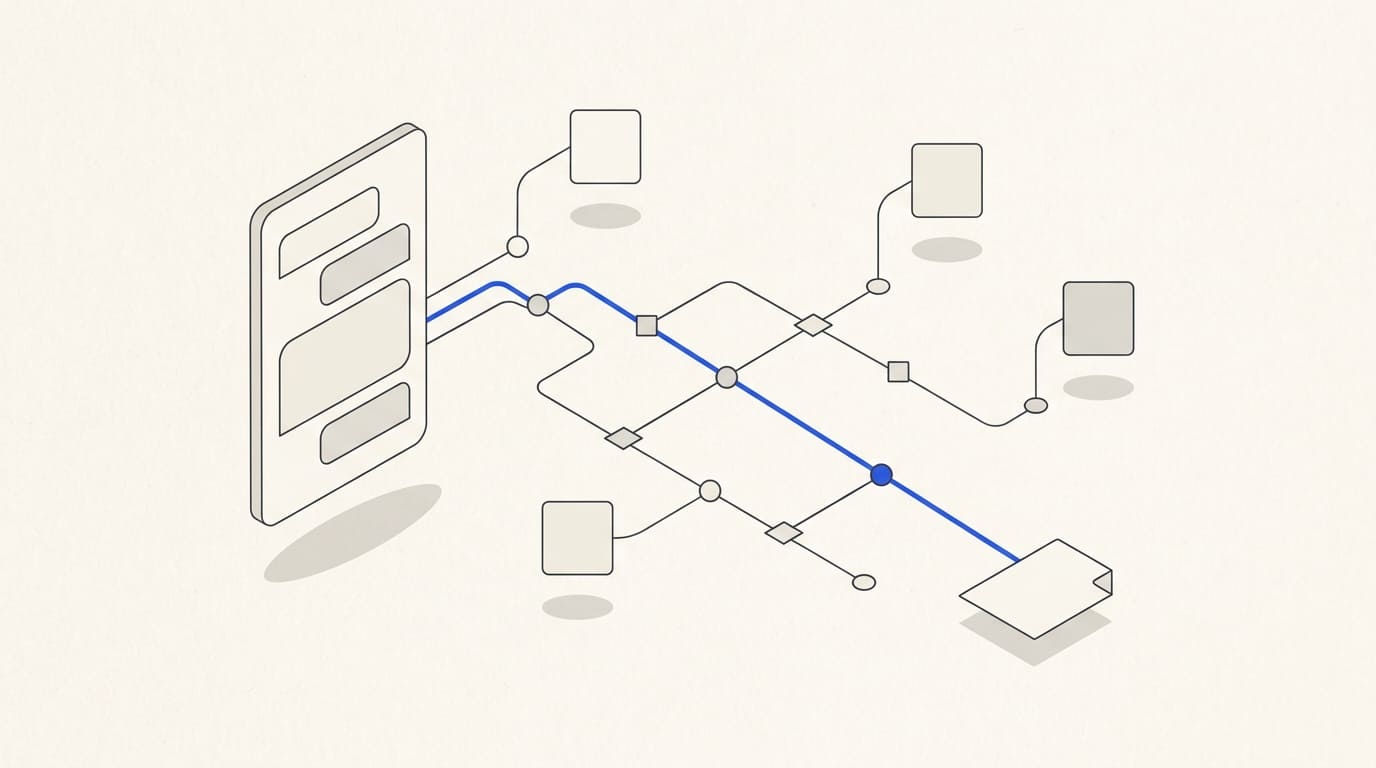
Testing a Telegram bot should cover the journey from the user's first action to the result in a CRM, calendar or another system. Working buttons do not prove that an enquiry will survive a failure or that access permissions are correct.
Carry out acceptance testing against the agreed requirements version. Define the expected outcome and how to verify it for every scenario before testing begins.
Prepare the test conditions
List the functions, roles, languages and integrations. Specify the app versions, devices and load conditions to test. The bot specification is a useful starting point for the scenarios.
Separate test accounts and data from production. Test enquiries must not reach real customers, occupy live booking slots or trigger commercial email campaigns. Agree separately on how payments will be tested.
For each case, record:
- the initial state and user role;
- the action and input data;
- the expected bot reply;
- the expected record or change in the connected system;
- the actual result and supporting evidence;
- the person responsible for the fix and retest.
Walk through the main flow and alternatives
Check first use, returning users, service selection, changed answers and completion. Open links and attachments, and verify that language and contact details are passed on correctly.
Also check going back, cancelling, pausing and continuing later. Old buttons from an earlier step must not unexpectedly change a completed enquiry.
Instead of the requested answer, submit free text, an invalid format, an empty value or an unsupported attachment. The bot should explain what to do next and handle previously entered data according to the agreed rules.
Test repeated actions and concurrent requests
Click submit several times and reproduce repeated delivery of the same event. One operation should produce one intended result. A genuinely new request from the same customer must still be accepted.
If the bot handles bookings, test simultaneous requests for the same resource. If managers accept enquiries, test simultaneous assignment. The outcome must follow the business rule, and messages must reflect the actual state.
Duplicate protection is needed across the bot and its integration. A button disappearing from the interface is not sufficient evidence that the check has passed.
Simulate failures and recovery
Test an unavailable CRM, a slow service response, a save failure, an application restart and a notification that cannot be sent. For each case, establish where the data remains and who learns about the problem.
Incoming Bot API updates are retained for no longer than 24 hours. Recovery after a long outage cannot therefore rely on Telegram always returning the full queue. Documentation on receiving updates.
After recovery, check reprocessing: enquiries must not be lost or duplicated, and an outdated action must not run automatically against changed conditions. Ask for a demonstration of the agreed backup and recovery procedure.
If the bot takes payments, separately test cancellation, confirmation, repeated events and a failure to deliver the result after payment. See the article on payments in a bot and Mini App for details.
Check permissions and the action log
Use customer, employee and administrator accounts. Test access to another customer's enquiry, direct attempts to invoke an unavailable action and operation after permissions have been revoked. Hiding a button does not replace a server-side access check.
The log should contain enough information to reconstruct an error: time, enquiry identifier, action, integration result and retry. Passwords and tokens must not be logged; agree on the amount of data retained for the process.
For AI functions, test unanswered questions, conflicting documents, attempts to obtain restricted data and handover to staff. The criteria are covered in the article on an AI bot using a company knowledge base.
Launch decision checklist
- Main and alternative flows have been tested.
- Invalid input, old buttons and repeated actions are handled.
- The bot and connected systems have consistent states.
- Errors preserve data and are visible to the person responsible.
- Permissions, revoked access and logging have been checked.
- Languages, wording, links and notifications match the approved version.
- Payments, bookings and AI have been tested where included in the project.
- Load and recovery conditions have been checked within the agreed scope.
- Access, instructions and the support procedure have been handed over.
- Fixes have been retested.
Separate issues that block launch from acceptable outstanding items with an owner and a fix deadline. Lost enquiries, exposed data and incorrect payment handling cannot be hidden behind an overall “Tested” status.
For acceptance of a Telegram bot and Mini App, agree on the checks before development starts. In the commercial proposal, clarify the scope of testing, fixes, handover and ongoing support.