
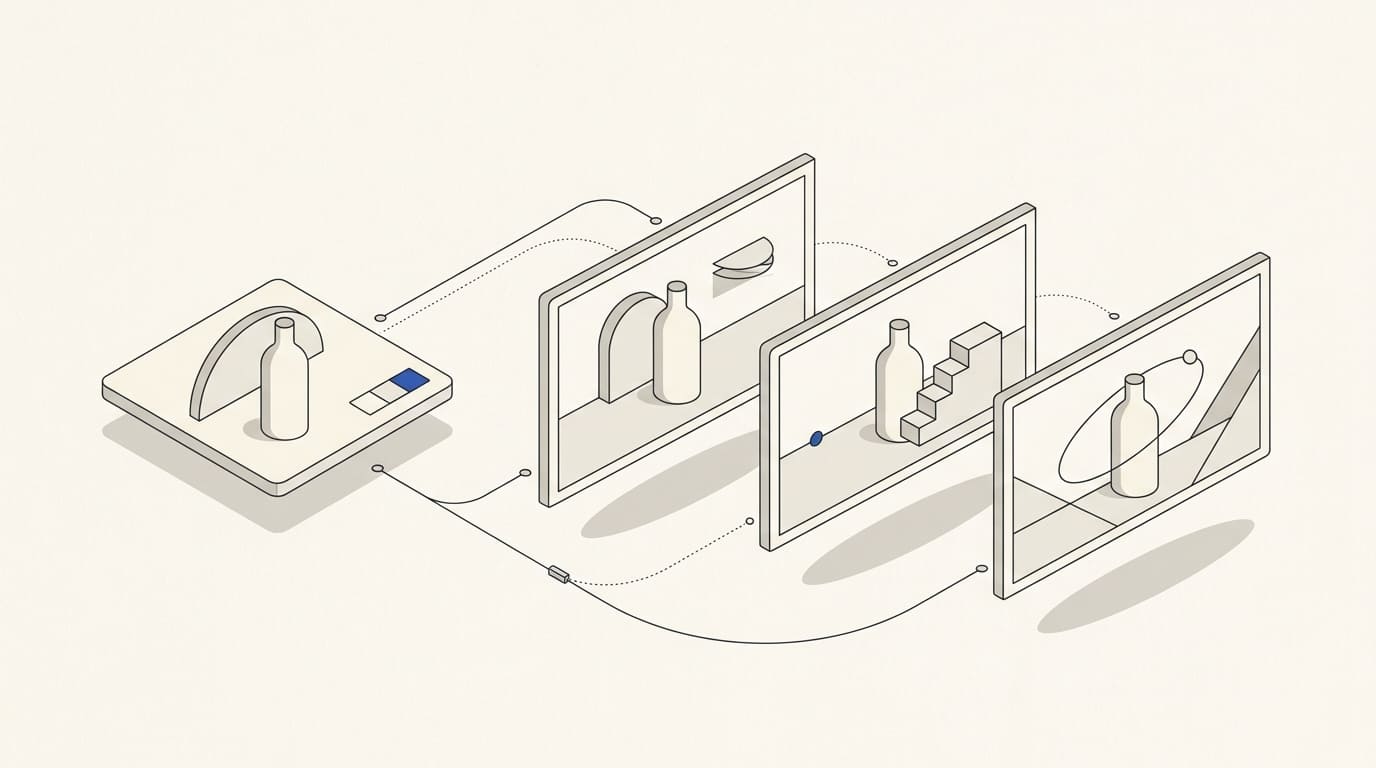
An individual AI image can look good without fitting the rest of a series. Lighting, scale, materials and the character of details change between neighbouring images. Together, they can look like work made for different companies.
To produce a coherent series, define visual rules, approve a reference image and review the images alongside one another. This process helps manage the result even when the subjects differ.
Start with the purpose of the series
Define where the images will be used: articles, product pages, advertising, a presentation or social media. Specify formats, language versions and space for copy to be added later.
Then distinguish what needs to remain recognisable from what changes between subjects. For example, the palette and lighting approach can be shared, while objects and their interactions vary.
If the brand's visual rules are not yet defined, agree on their foundations first. Useful guidance is provided in the article on consistent brand identity across websites, advertising and social media.
Record the characteristics of the style
“Modern and premium” leaves too many possibilities. Prepare a short style guide for the series, using observable characteristics:
- Palette: main colours, background and permitted accent.
- Lighting: direction, softness, contrast and shadow characteristics.
- Materials: realistic surfaces, matt objects or another agreed approach.
- Composition: main object scale, camera angle, detail density and empty space.
- Image type: photographic scene, illustration, collage or another chosen method.
- Restrictions: elements that must not be added or changed.
Separately state where accuracy is required. A conceptual illustration can use abstraction, while an image of a real product must preserve its essential characteristics.
Select references with clear roles
For each example, explain what should be used from it: lighting, material, palette or object arrangement. Several contradictory images without explanation make choosing a direction harder.
Distinguish style, composition and product references. They serve different purposes. For example, Adobe Firefly can use an image to guide visual style, as explained in its Style reference documentation. Object arrangement is covered separately in the Composition reference guide.
A reference does not remove the need to review the result. The controls available depend on the tool and selected model; confirm which functions are available before starting. Use reference materials whose usage terms are clear.
Approve a reference image before producing the entire series
Choose a representative subject and refine it to the required quality. Then check the rules on another subject that differs noticeably in shape or number of objects.
This can reveal that the approach works for only one item. For example, an agreed scale may suit a large object while making small details in another subject indistinguishable.
Retain the approved image, references, model and available settings, source materials and a record of the decisions made. This provides a basis for another team member to continue the series. Repeating settings helps organise the work, but does not guarantee identical results.
Review the whole series and the product separately
Arrange the images on one sheet at the same size. Compare palette, lighting, scale, realism and the amount of detail. An image that works well alone can disrupt the overall system.
Also check meaning: the image should explain the intended topic, rather than merely repeat an attractive composition. Address deviations selectively by replacing the result, editing it or retouching it manually.
For product images, separately check shape, proportions, included components, labelling and other important characteristics. Where necessary, add exact text and logos from approved source files during design, then check the final file. Required source materials are covered in the article on preparing a product for AI visualisation.
A hypothetical example of rules for a series
Imagine a brand needing illustrations for several service lines. It chooses a light background, a limited palette, soft shadows and one type of camera angle. Subjects vary by topic, while scale and detail density remain consistent.
If a new image introduces sharp contrast and many small objects, it is returned for revision even if it looks impressive. The reason is that it does not follow the agreed rules.
This is a hypothetical example. Bright colours, dense composition and a photographic approach may suit another brand.
Checklist for approving and continuing the series
- The purpose, formats and contents of the series are agreed.
- A style guide and approved reference image are available.
- Each reference has a clear role.
- The rules have been checked on different subjects.
- Images have been compared side by side at the same size.
- Products, text and details have been checked separately.
- Retouching and adaptations for the required placements are complete.
- Source files, settings and versions are retained, and someone is responsible for subsequent images.
Before ordering another batch, determine whether AI is sufficient for the task or additional photographs are needed. Selection criteria are covered in “AI Product Visualisation or Photography”.
When commissioning AI visual content, agree on the reference image, product preservation requirements, number of final images, manual finishing and adaptations. The number of generations alone does not describe the amount of finished material.