
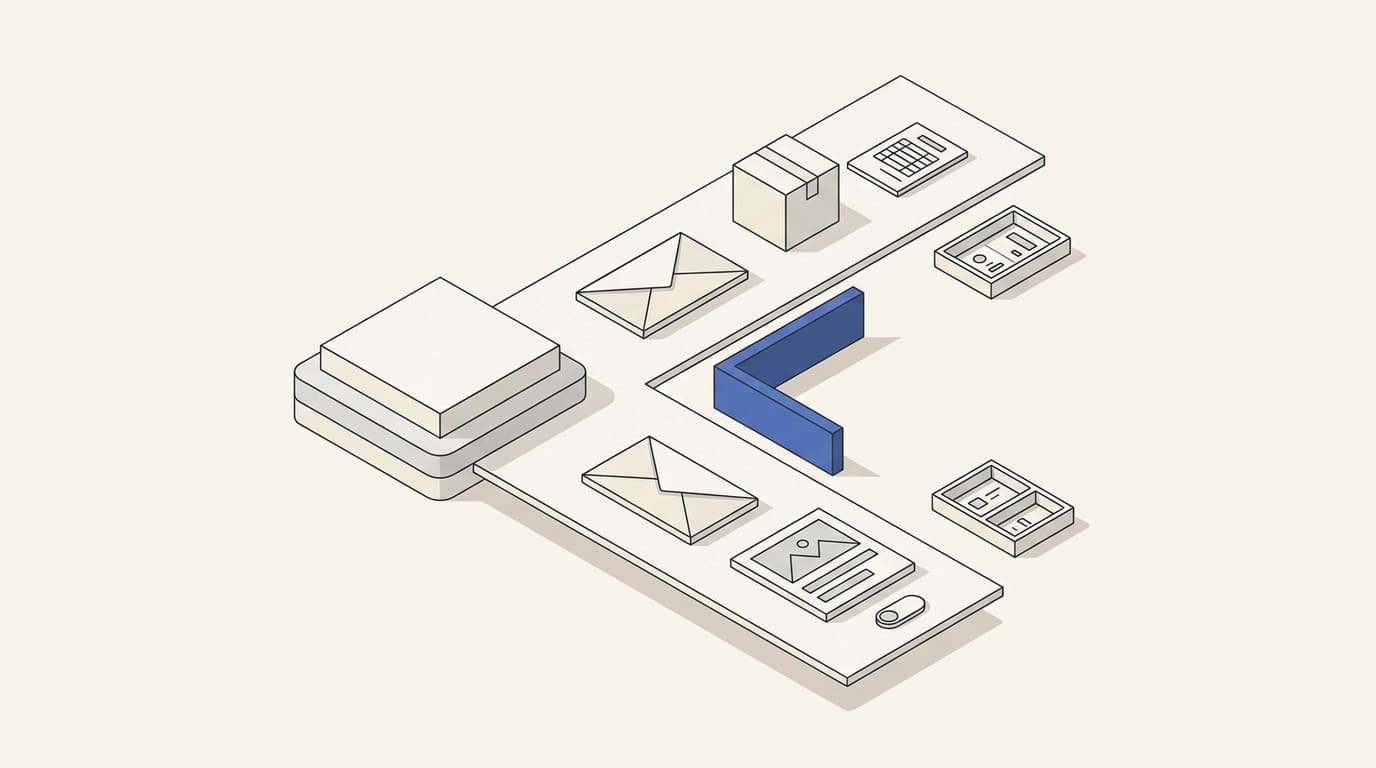
Order confirmations, password resets, and offers for a new service serve different purposes. When they share a system without clear rules, a marketing unsubscribe can block an important notification, while a promotional sequence may keep sending against the customer's wishes.
Separate emails by purpose, sending conditions, and the outcome you need to verify. Sending a message automatically does not determine its type.
Classify emails by content and context
Service messages help fulfill a specific action, service, or obligation to the recipient. For example, they provide an order status, confirm an appointment, deliver a requested document, or help restore access.
Marketing messages promote a product, service, or new action: they introduce an offer, announce a promotion, encourage a purchase, or suggest additional services. A useful article in a company newsletter can also be part of marketing communication.
Do not automatically classify abandoned-cart emails, repeat offers, or requests for marketing consent as service messages. Assess the particular workflow and the applicable rules.
Ask three questions about each email:
- Which event or request explains the send?
- What information does the recipient expect in this context?
- Does the message contain promotion beyond the original action?
A reply to an inbound inquiry may be expected business correspondence. Adding the contact to a regular newsletter is a separate decision with its own conditions.
Separate mixed messages
Illustrative example. An email says an order has been dispatched and includes a tracking button. Adding a prominent “Buy more at a discount” block introduces promotional content.
For an international business, the legal classification of these messages depends on the market. The UK's ICO states that promotional elements in a service message make it direct marketing; ordinary logos or branding alone do not count as those elements. ICO guidance.
In the United States, the FTC considers the primary purpose of a mixed email under CAN-SPAM, including the subject line and the placement of content. This approach cannot automatically be applied to other countries. FTC guidance.
In practice, keep order information in the notification and send the offer as a separate marketing email to eligible recipients. Before launch, document the grounds for sending in each market, consent requirements and any applicable exceptions, unsubscribe rules, and data processing requirements. Do not treat all correspondence with existing customers as service communication.
Keep settings separate
Your system should distinguish between:
- permission and restrictions for marketing messages;
- selected topics, language, and frequency;
- settings for optional notifications;
- events that require order, access, or service information to be sent;
- technical restrictions: an invalid address, a permanent delivery failure, or a provider block.
Do not turn a marketing unsubscribe into a ban on all necessary communication. At the same time, a service workflow must not bypass a technical address block or applicable sending requirements.
Explain in the settings which emails stop after unsubscribing and which necessary information about current orders or an account will continue. Do not reactivate a marketing subscription after a purchase, list import, or CRM contact update.
If the platform uses a single suppression list for different message types, check its limitations before launch. Agree on a supported setup with the provider; do not bypass a restriction by changing the sender address.
Separate sending workflows and error monitoring
Google recommends using different sender addresses for subscription and non-subscription messages. A company could, for example, use separate addresses for notifications and newsletters. This helps organize message streams, but does not by itself isolate reputation or guarantee delivery. Gmail subscription guidelines.
For marketing, provide a clear unsubscribe option and honor preferences. Bulk senders to personal Gmail accounts have additional requirements, including one-click unsubscribe for marketing and subscription messages; a preferences page alone does not replace its technical mechanism. Check the conditions for your sending volume in the Gmail guidelines.
For service workflows, define separately:
- the triggering event and its data source;
- how long the message remains relevant;
- protection against duplicate notifications;
- the retry process after a temporary failure;
- escalation to a responsible staff member.
For example, receiving the “order paid” event again should not generate several identical confirmations. A delayed access code must not be sent as if it were still valid.
You do not necessarily need to buy separate platforms immediately. The important thing is that your chosen system supports independent management of workflows, restrictions, templates, and sending logs.
Evaluate outcomes separately
For service emails, monitor whether the system receives the event, time to send, delivery errors, duplicates, and completion of the intended action. For access recovery, that means successful completion of the process; for order notifications, correct information and no missed events.
Evaluate marketing emails through clicks, inquiries, orders, unsubscribes, and complaints, with attribution rules taken into account. Do not combine order confirmations and general campaigns into one average rate: their audiences, expectations, and goals differ.
Include the message type, workflow, and period in the report. An open does not prove the recipient has read important information. Detect critical failures through logs and the operating process, without waiting for the average open rate to change.
A template for your message map
For each template, record:
- Name and purpose: why the recipient needs it.
- Type and market: service, marketing, or requiring separate review.
- Trigger: an event, request, or schedule.
- Recipients and conditions: who is eligible and which statuses are checked.
- Settings: unsubscribe, preferences, and technical restrictions.
- Validity period: when the email must no longer be sent.
- Stopping and retries: what cancels the message and how duplicates are prevented.
- Owner and outcome: who monitors errors and which action measures success.
Before launch, check a marketing unsubscribe with an active order, an unavailable address, a repeated event, a language change, and an order canceled before the send.
You can build the overall workflow structure using email automation. For email marketing, prepare your message map and a list of the systems that send messages. Use our commercial proposal to discuss the scope; agree separately on service-notification integration, error handling, and support for your process.