
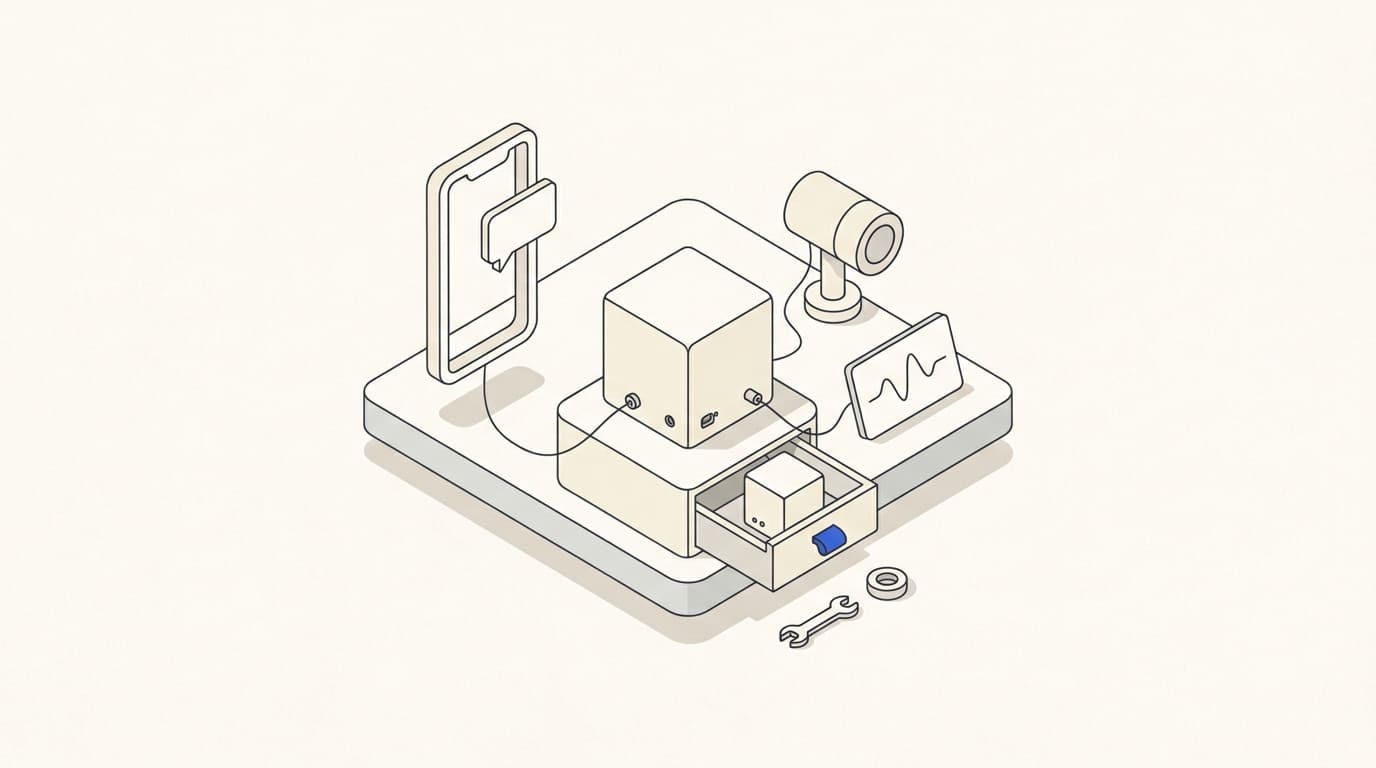
A working bot depends on its server, database, Telegram, CRM and other integrations. Server availability alone does not confirm that an enquiry reached an employee, a booking was created or a customer received a document.
After launch, you need a procedure defining which events are monitored, who receives problem alerts and how service is restored. Agree this before the project is handed over.
Define the support scope and responsibilities
List the components: bot, server, database, integrations, domain and certificate where applicable. Identify account owners, infrastructure payments and the contractor's access process.
Separate bug fixes, required updates and new feature development. Agree support hours, issue priorities and the expected time to start responding. This is not a guaranteed resolution time for every failure.
Documentation should include the system architecture, dependencies and responsible contacts. Keep secret keys in an agreed protected location rather than in a shared instruction document.
Monitor the outcomes of key scenarios
Track event processing as well as service availability: receipt of a message, registration of a request, the CRM response and the outcome of sending information to the customer.
For bots using webhooks, Telegram's getWebhookInfo provides the number of pending updates and the last delivery error. These details aid diagnosis but do not replace checking the business process. Telegram documentation.
Choose signals such as a growing queue, repeated errors, a prolonged absence of expected events, an unavailable integration and unfinished operations. Set thresholds using actual workload rather than an arbitrary universal figure.
Give every alert an owner and a next step
For each notification, define the recipient, priority and required action. “The bot is not working” offers little help if the affected process is unclear.
Specify the component, time, affected scenario and a link to a safe diagnostic record. Limit repeated identical alerts and define escalation if the problem remains unresolved.
Critical alerts must not depend solely on the malfunctioning bot. Assign another communication channel. The article on CRM notifications in Telegram for teams explains how to make notifications useful.
Update with a review and rollback plan
Before a change, preserve the required backup, record versions and prepare a way to return to the previous state. If the data structure changes, reverting only the code may be insufficient.
Review updates in a separate environment using agreed scenarios, then deploy at a controlled time. After release, confirm that incoming events, integrations, permissions and key customer actions work.
The Telegram bot pre-launch acceptance checklist is useful after changes too. Separately monitor certificate expiry, external service limits and the availability of paid infrastructure.
Restore data and unfinished operations
A backup is useful when its contents, creation time and restoration process are known. Establish which subsequent events need reconciliation with the CRM, store or payment system.
Telegram stores incoming updates until the bot receives them, but for no longer than 24 hours. After an extended outage, you therefore cannot assume that every event will automatically arrive again. Telegram's update delivery rules.
After restoration, check current statuses and unfinished tasks first. Reprocessing must not create duplicate orders, access grants or messages. Identify requests requiring manual review and inform the team when recovery is complete.
Bot maintenance procedure
- Which components and scenarios are covered by support?
- Who owns the accounts and has system access?
- Which errors and unfinished operations are monitored?
- Who receives alerts, and what must they do?
- What are the support hours and escalation process?
- How are updates, reviews and rollbacks performed?
- What does the backup contain, and how are subsequent events reconciled?
- Who confirms recovery and records the cause of the failure?
Illustrative example. The bot receives enquiries, but the CRM stops confirming their creation. Monitoring reveals unfinished operations, an employee checks the integration, and after recovery the system verifies the outcome before retrying submission. Requests already created are not duplicated.
When commissioning Telegram bots and Mini Apps, agree handover and ongoing support separately. Access, monitoring, updates and recovery need specific owners and a clearly defined scope of work.