
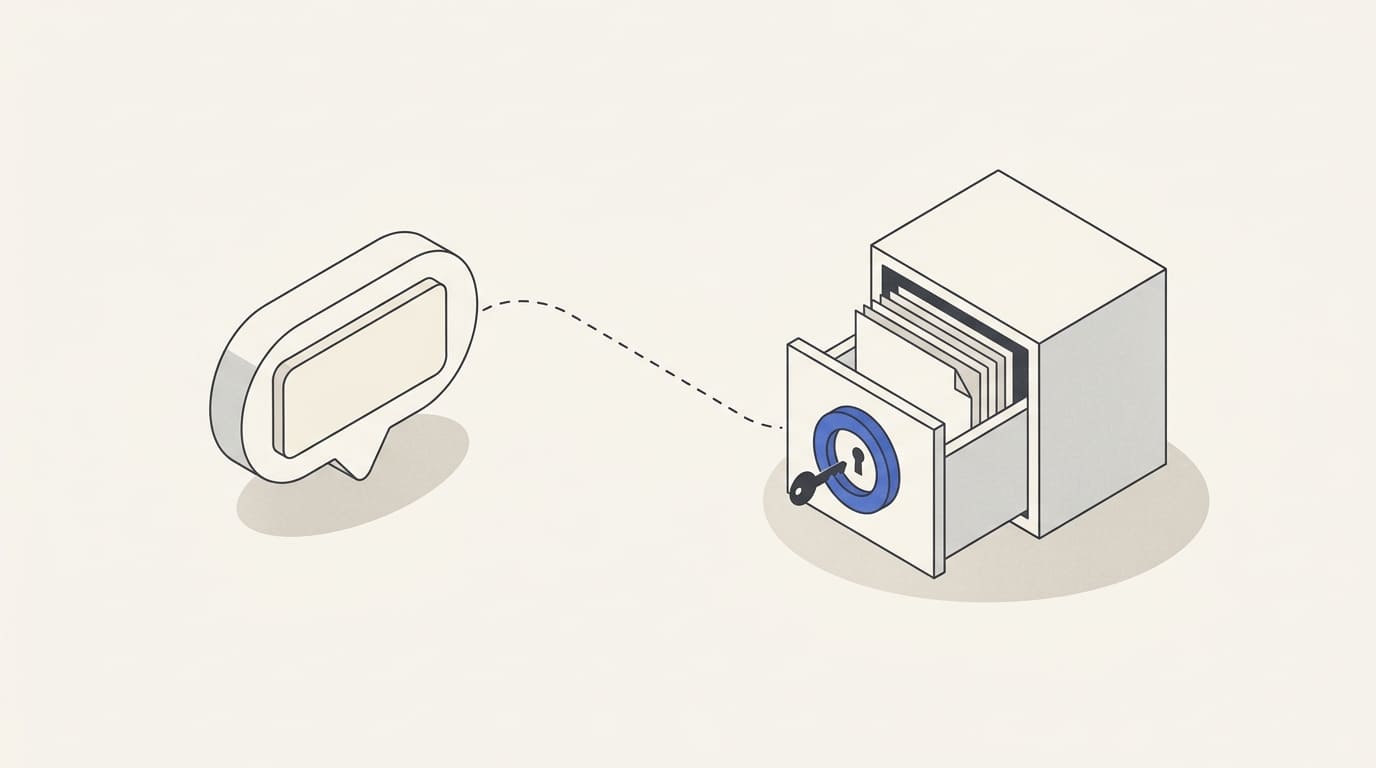
A bot sends a customer a full document when a notification that it is ready would suffice. The copy stays in the conversation and can be saved or forwarded; changing CRM permissions no longer controls every received copy.
When designing a bot, choose a channel for each kind of information. A brief status, a document containing personal data and an internal comment need different access and storage decisions.
Describe the data and each message's purpose
List the fields: contact, order number, status, address, amount, document and comment. For each, state why the recipient needs it in this particular message.
In an applicable GDPR context, collect and disclose necessary information, define retention periods and explain processing. These principles are described in the EDPB guide for small businesses. A general “the user consented” statement does not describe every processing purpose and basis.
Consider the full data path: Telegram, bot server, CRM, support service, logs and backups. Check the parties involved in processing, storage locations and data transfer requirements for your market.
Keep only the necessary minimum in chat
A notification often needs only a neutral status and a link to details. Do not add a full address, document content or description of a sensitive situation if it is unnecessary for understanding the message.
Check the text in a lock-screen notification. Even a private chat does not mean that only the recipient sees the information when it arrives.
Telegram distinguishes cloud and secret chats. An ordinary bot conversation should not be described as a secret chat with end-to-end encryption. Consider the channel's use boundaries alongside protection of your own service.
Put details in a portal with access checks
Separate customer and team messages
Customers, managers and directors need separate views. In a shared work group, prefer limited context and a link to a system that checks permissions.
Check old links and buttons after contract closure, owner changes or access withdrawal. Access to one order should not allow someone to request another customer's data.
For post-purchase support, specify in advance which documents the bot supplies directly and which it opens through the portal. A received file copy does not become inaccessible solely because a role later changes.
Limit data in logs and operational notifications
Do not write the entire conversation and document contents into every technical log. Diagnosis often needs an operation identifier, status and error reason, rather than a full set of personal data.
Restrict access to logs, exports and backups. Retention and deletion procedures should account for purposes and applicable retention obligations; closing user access does not replace this work.
Prepare a response to incorrect sending: stop the workflow, identify recipients and information disclosed, restrict further access and pass the incident to the responsible person. Do not promise that deleting a message will destroy every saved copy.
A field and channel record
- Field, purpose and necessary level of detail.
- Recipient and source of current data.
- Channel: notification, portal or internal system.
- User verification and object-level access check.
- Whether downloading, copying and forwarding are permitted.
- Logs, backups and retention procedure.
- Access withdrawal and actions following incorrect disclosure.
For Telegram bots and Mini Apps, prepare the field list and sample messages without actual customer data. This helps agree chat, portal and CRM boundaries before the interface is developed.