
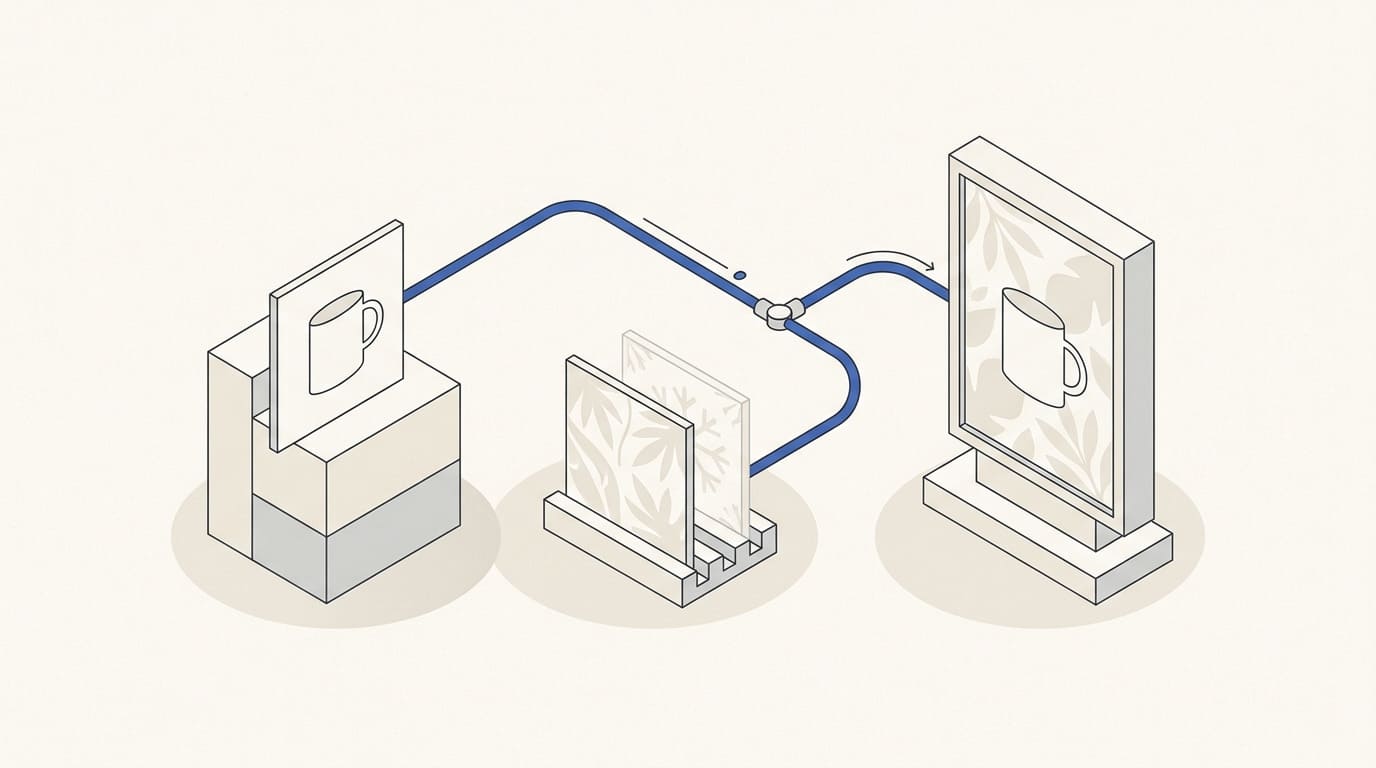
A seasonal campaign does not always require photographing the entire catalogue again. Some photographs can be reused if they show the current product and allow the required placements to be prepared.
Start by checking the offer, product range and source files. Seasonal styling should support the actual campaign: its terms, dates and available products.
Confirm the offer and product list
Define which products are included, what the customer receives, when the offer applies and where the advertising leads. Appoint someone to confirm prices, availability and terms.
For a bundle, list the included items. For a discount, specify eligible products and restrictions. For delivery or gift wrapping, check whether the business can fulfil the promise during the stated period.
Check the destination page. Customers should be able to find the product shown and understand the terms without searching the entire catalogue.
Review the photographs
Collect source files, rather than only reduced copies from the website. For each product, check:
- Whether the photograph, colour and packaging match the current version.
- Whether the resolution is sufficient for the required display size.
- Whether the camera angle and available space allow suitable cropping.
- Whether edges, small details and essential characteristics are clearly visible.
- Whether the photograph can be used in the planned advertising.
If packaging has changed or an important part of the product is not visible, flag the need to update the material. A seasonal background will not compensate for an inaccurate product image.
Separate the product from its seasonal setting
Define which elements must remain accurate: shape, colour, logo, label and included components. Separately agree on permitted changes to the background, props and composition.
Where appropriate, use a separate product image and change its surroundings. For example, Photoshop provides Generate Background for creating a new background; its use is explained in the Adobe documentation.
After editing, check edges, shadows, reflections and the interaction with the surroundings. Using a tool does not itself confirm product accuracy.
Do not add accessories that customers could mistake for part of the package. If an illustration of future packaging is used, identify its status and check that it matches the planned product.
For several images, agree on the series rules in advance. This helps avoid inconsistent colours and lighting within one campaign. The process is explained in the article on consistent AI visuals.
Prepare versions for the placements
List the platforms, formats and languages. Specify where a finished banner with copy is needed, where a separate image is required and where a sequence of cards will be used.
Check that cropping preserves the product and that the terms remain legible at display size. Place copy and logos according to the requirements of the specific ad type. The process is covered in the article on adapting advertising creatives.
First approve a representative layout and its most demanding adaptation. Then prepare the remaining products and languages: this makes it easier to identify a problem before exporting at scale.
A hypothetical campaign preparation example
Imagine a shop preparing seasonal advertising for a gift set. It has good photographs of each product, but no overall photograph of the bundle.
First, the shop confirms the contents, packaging, availability and bundle page. The designer then checks whether the existing photographs can form an accurate composition. If camera angles and lighting are incompatible, an additional photograph will be needed.
Seasonal surroundings are added after the contents have been checked. Decorative objects are positioned so that they are not mistaken for items in the set. The finished layout is checked in the required formats.
This is a hypothetical example. Decide whether to reuse existing photographs according to their suitability, rather than a desire to avoid photography entirely.
Checklist before launch and at the end of the season
- Products, prices, availability and terms have been confirmed by the responsible person.
- Photographs match the current product versions.
- Bundle contents are clear, and decorative objects do not create false expectations.
- Layouts and language versions show consistent terms.
- Links lead to current pages, and checkout has been checked.
- The product, edges, shadows and text have been checked after editing.
- Someone is responsible for updates when stock runs out.
- Dates are defined for stopping advertising and updating seasonal pages and materials.
When commissioning AI visual content, provide current photographs and a list of permitted changes. Finished layouts and adaptations can be agreed as part of advertising banners and creatives, with deliverables and the update process recorded in the commercial proposal.