
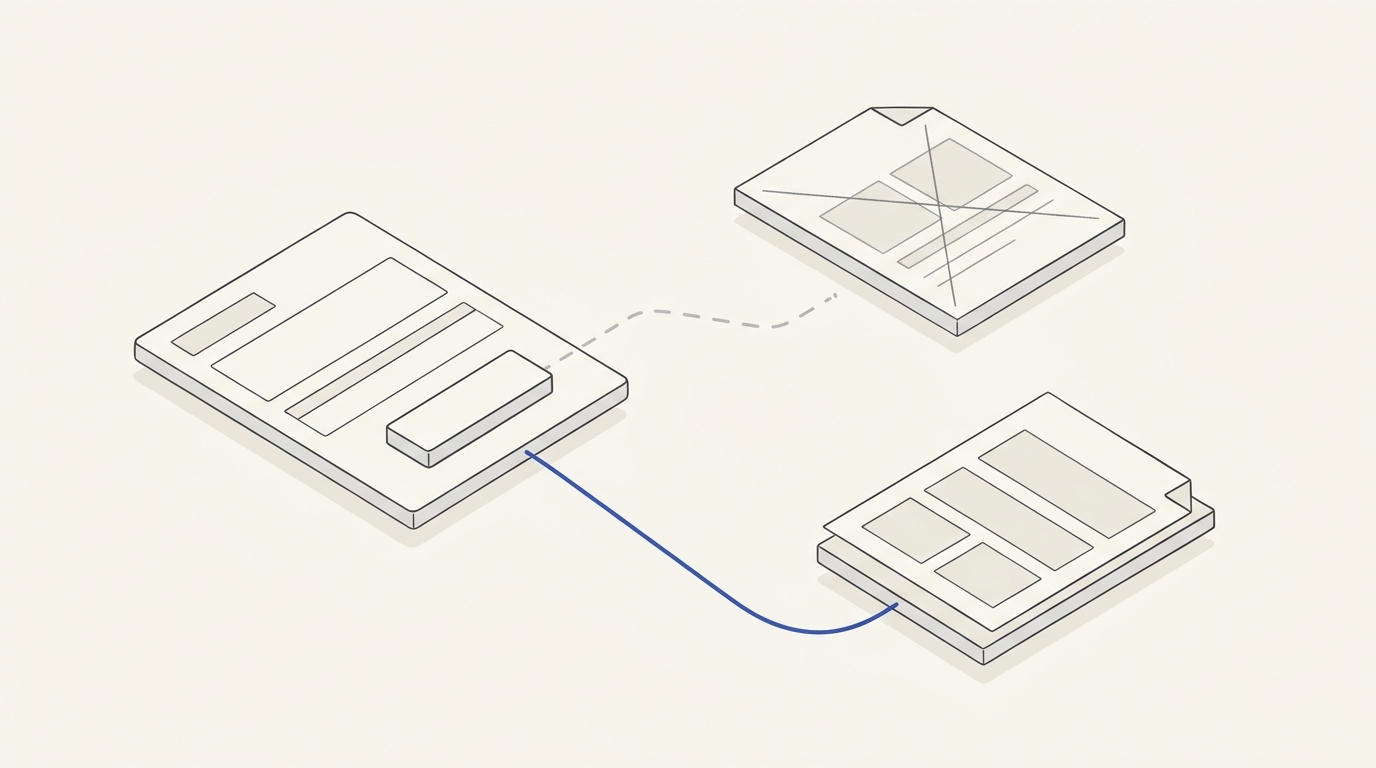
A company updates its commercial terms while automated email sequences continue linking to a PDF with former prices. Customers can mistake an archived document for a current offer. Updating a website file alone is insufficient: inventory every distribution point, choose stable destinations and test the end-to-end link before the next send.
Define the current authorised document
The commercial owner confirms revision, effective date, scope and archive exceptions. Do not silently alter an offer a specific customer has already accepted. Distinguish the public general proposal from individually negotiated documents with their own approval history.
Find every destination
Inspect active automations, newsletter templates, drafts, follow-up sequences, sales instructions, signatures, QR codes and landing pages. Record exact URLs and responsible owners. Identical button text does not mean identical destinations. Email marketing work should test the real final URL, including redirects and tracking parameters, instead of relying on a visual preview.
Old sent messages require a separate plan
MailerLite describes a limited option to change links in some already-sent regular campaigns depending on plan and timing. It cannot be assumed for every automation, historical send or archive. An accessible current landing page may be a better managed destination for generic offers. However, never redirect a specific individual contract to different terms without approval.
Hypothetical TASK-093
Commercial proposal CP-093 v4 replaces v3. Of five active automated emails, two still link to v3. A campaign already sent a month earlier links to an obsolete PDF, and in this configuration its link cannot be edited.
- Approve v4 as the public current version and define the historical status of v3.
- Test all five active messages, fix the two old destinations and send test messages.
- Follow every link without signing in; check the actual final document and displayed effective date.
- For the already-sent campaign, document the platform limitation and decide how old links should behave with the commercial owner.
- Add a link audit to the release checklist for every subsequent proposal update.
Positive: new emails open v4 and historical contracts remain intact. Negative: one active workflow still opens v3 or exposes incorrect terms. Block the campaign until corrected.
Scope the email and document tasks separately
The published email service offer covers campaigns, automation and integrations; it does not automatically include legal review of past contract PDFs. Separate future-link changes, continuity of old public URLs and approval of each offer revision. Keep a template register with destination, owner and check date.
Version-controlled link register
Fictional company P-93 revises offers every two months. Track template ID, destination URL, purpose, owner, checked date, current version and expiry action. A persistent page can route visitors to the current public document if its content and behaviour are governed. Do not assume a permanent URL can rewrite accepted contractual terms.
- Approve CP93-v4 with date and decision owner.
- Find all links in active sequences, service messages, signatures and follow-up workflows.
- For older PDFs, choose an authorised redirect or a clearly dated archival page.
- Test mobile, desktop and a delivered test message; record the final URL and HTTP result.
Final acceptance TASK-093
In test email T93-A, the link opens CP93-v4. When replaced by CP93-v5, it should open the approved current document or explicitly indicate an archived version. Positive: active templates lead to the correct terms without unexpected access prompts. Negative: an email promises new conditions while the PDF still shows old figures. A redirect alone cannot resolve a content contradiction.
For a scope estimate via agency contacts, provide mailing platform, current and old URLs, document owner and automation inventory. Technical link management does not alter existing agreements; applicable contract questions require qualified review.
Version-control procedures are useful beyond marketing. The B2B proposal follow-up workflow requires each message to track the current proposal revision and end outdated reminders when it changes. The automation sequence guide covers stop conditions triggered by changed customer circumstances. For product documentation linked after a purchase, post-purchase email checks likewise require links to match the purchased product version. None of these pages confirms that your mailing system edits previously sent campaigns.