
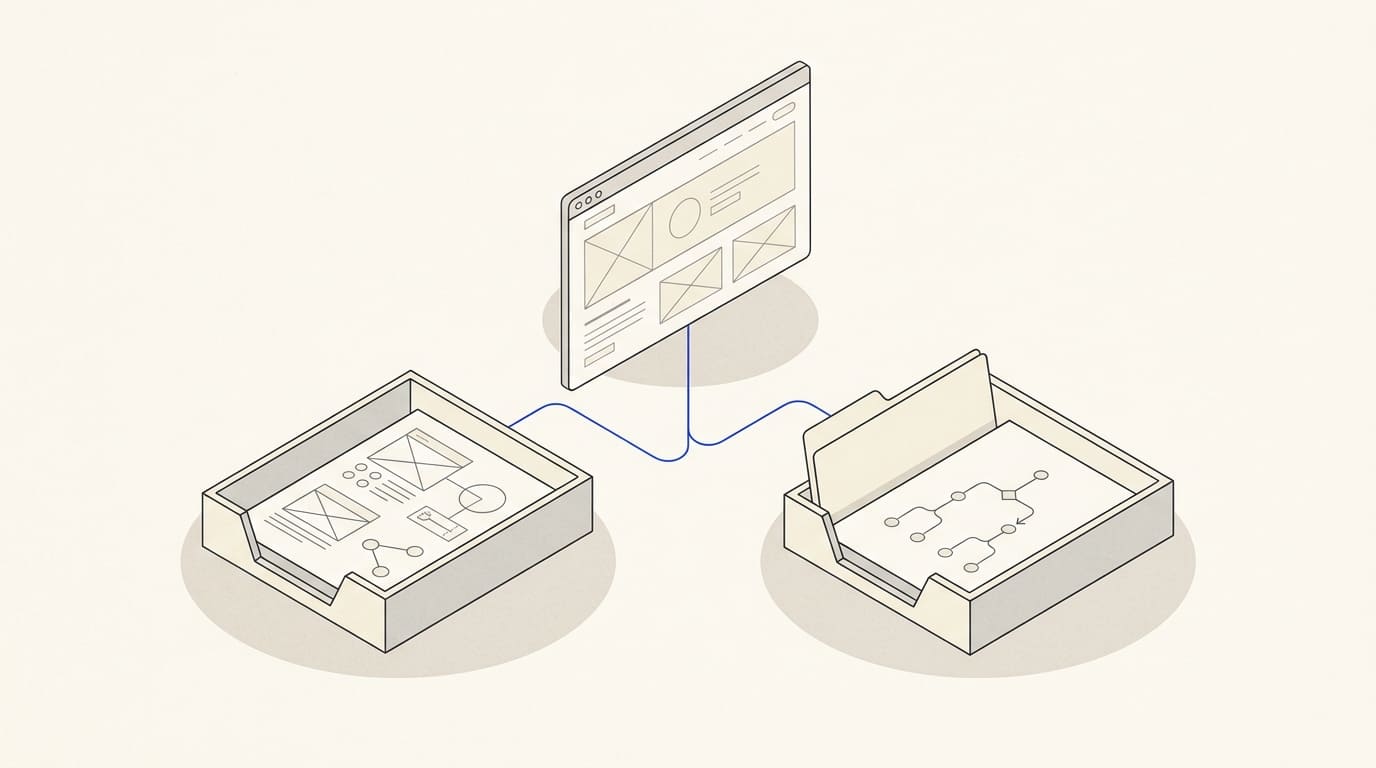
During a complex B2B purchase, buyers may return to a website several times: to find a supplier, clarify requirements, compare proposals and obtain internal approval. Each stage brings different questions.
The website should help people assess the offer and share clear information with colleagues. Even a good enquiry form has limited value if procurement cannot understand the service scope and the decision maker cannot see a reason to choose it.
Start with the people involved in the decision
In its research on B2B websites, Nielsen Norman Group highlights differences between the needs of people who use a solution and those who decide to buy it. This is a useful starting point for planning content. See its review of B2B website requirements.
List the roles for your project. They will not always be held by different people:
- Procurement: compares scope, terms, timing and the process for obtaining a proposal.
- Decision maker: assesses the business need, costs, supplier responsibility and the reasons to expect the required outcome.
- Technical specialist: checks compatibility, limitations and implementation requirements.
- Future user: wants to understand the workflow, training and support.
Ask your sales team which questions they repeatedly need to explain to each role by email. This list can form the basis of your pages and materials for internal approval.
Help procurement compare proposals
A service or solution page should make clear which tasks it suits, what the delivery or work includes and what is estimated separately.
Show the steps involved in preparing a proposal, the information required and the factors affecting cost. If there is no fixed price, explain the calculation method and the components of the estimate. Ways to present pricing are covered in our article on prices on service websites.
Visitors should not have to guess what a package name means. “Turnkey implementation” without a list of tasks does not help them compare it with another estimate. Specify whether setup, data migration, training and ongoing support are included, where relevant to your offer.
Give decision makers reasons to choose you
Decision makers need to understand the problem the project solves, what is required from their team and where the provider's responsibility ends.
Provide verifiable information: your approach, team, examples of tasks, limitations and how outcomes are reviewed. Avoid claims of payback without a calculation and the underlying inputs.
A case study is useful when readers can understand the starting situation, the work completed and the verified result. Explain when the example relates to different conditions. Our website case study template helps prepare this material.
If a new company has no suitable case studies yet, show a real process, demonstration or sample document. Label a training example as such, rather than presenting it as a completed client project.
Make technical information accessible
Technical answers should be available beyond a presentation that buyers can receive only after a call. Provide enough information on the website for an initial check:
- which systems and formats are supported;
- which data or access is needed to begin;
- what limitations are known;
- what is required from the client's team;
- how training and support are organised.
State only verified compatibility. If an integration depends on the system version or requires separate development, explain this beside its name.
Detailed specifications can be provided in a document. Include its date or version and assign responsibility for updates so the document and page remain consistent.
Prepare materials for internal approval
Visitors should be able to share information with a colleague easily. Dedicated solution pages with clear URLs and a short discussion document can help.
That document can include:
- the task and suitable conditions of use;
- the solution scope and exclusions;
- implementation stages and the client's involvement;
- how the budget is determined;
- evidence of experience;
- questions still to be clarified;
- contact details and the next step.
Keep promotional wording restrained. After reading, a colleague should understand exactly what is offered and which information is still needed.
Offer a next step that matches readiness
One visitor is ready to submit a technical brief; another is only exploring whether implementation is feasible. Offer clear actions: view an example, ask a question, discuss the task or request a proposal.
Button labels should match the outcome. If a team member will clarify the requirements after submission, do not promise an instant final estimate.
A proposal request needs information that helps begin the assessment. Avoid placing an entire tender questionnaire in the first form without explaining it. Form fields and submission confirmations are covered in our article on website enquiry forms.
Illustrative example of a B2B page structure
Suppose a company implements enquiry management systems for service organisations. This is a hypothetical example, rather than a description of a client project.
The page could follow this structure:
- The organisations and tasks the implementation serves.
- How enquiries arrive, are assigned and are handled.
- What the work includes and which connections are estimated separately.
- Information needed to check compatibility.
- How implementation works and what the client's team does.
- Real evidence of experience or a clearly labelled demonstration.
- Factors affecting the budget.
- A proposal request explaining the next step.
Each section answers a question that may arise during purchase approval. The list does not require a separate page for every role.
Assess enquiries in the context of the sales cycle
A document request, an enquiry, a suitable task, a prepared proposal and a completed deal are different stages. Your report should show movement between them.
Record the enquiry source, date, service area and subsequent status in your CRM, as far as the system allows. When comparing results, consider how long each group of enquiries has had to progress through the sales cycle. New enquiries cannot be assessed as though they have already completed the process.
Clicks and downloads help show how materials are used, but do not by themselves prove a commercial outcome. Also examine reasons for rejection: an unsuitable budget, a missing feature or unclear terms.
For several service areas, case studies and technical materials, consider a multi-page website with custom design. Agree the structure around buyers' tasks and the content your company can actually provide.
A B2B website is useful when it helps the different people involved in a purchase reach an informed decision. Clear terms, verifiable evidence and materials that are easy to discuss internally make this possible.