
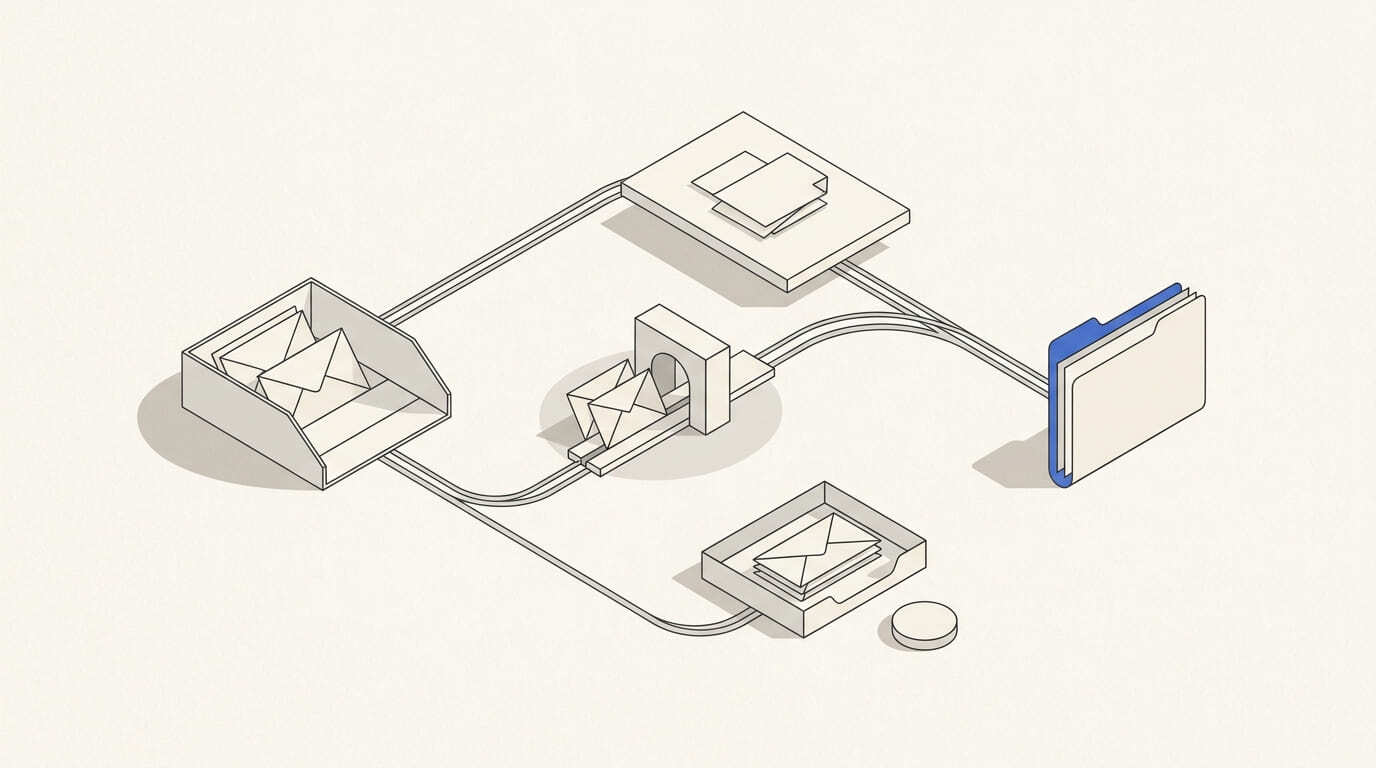
A campaign receives replies, but an interested customer continues to get automatic reminders. An out-of-office message is reported as interest, while a request to stop emails remains only in the manager's inbox.
These errors occur when sending and incoming message handling are configured separately. B2B communication needs a shared process: classify the reply, change the status and assign a clear task to an employee.
Classify replies by the action required
Start with categories that change the next step: interest, a question, rejection of the offer, a request to stop messages, referral and an automatic reply. Do not combine them under one “replied” label.
A positive reply does not yet mean a qualified lead. “Send me information” and an agreed meeting require different actions and should be distinguished in the CRM.
Track delivery failure messages separately. They describe the address or sending status, rather than a potential customer's opinion of the offer.
Pass an interested reply to an employee
Assign the conversation owner according to language, service and team availability. Pass on the original email, entire correspondence, company, contact, campaign source and next step already proposed.
Pause the automatic sequence until the reply has been reviewed. A customer asking a question needs a substantive response, rather than another “Have you had time to look?” email.
When a specific quote request arrives, use a separate B2B deal email follow-up process. Do not launch it solely on a general indication of interest.
Distinguish declining an offer from asking to stop emails
“We are not planning a project now” describes a buying situation. “Do not email me again” calls for the relevant sending to stop. If the meaning is unclear, pause the campaign and pass the message to an employee.
Record the restriction in a shared exclusion system checked by every sending scenario. Otherwise, a reimported database or another campaign will include the address again.
Do not turn a refusal into an automatic persuasion sequence. Future contact needs a clear basis, agreement and date, alongside the sales team's wish to continue.
Handle automatic replies and referrals separately
An out-of-office message does not confirm interest. If it includes a return date, create a task to review further contact after that date; do not reschedule the whole sequence without assessing the message.
A new address in an automatic reply does not automatically come with permission to send a campaign. Check the role, referral context and applicable contact rules before adding it.
Illustrative example. A recipient says that another department handles purchasing and asks you to send a specific question to a colleague. The manager retains this message and assesses whether contact is permitted and within what scope. The database should not automatically collect every address from signatures and automatic replies.
Agree queue management and duplicate protection
A reply needs a status: new, assigned, in progress, awaiting action or closed. For a forwarded email, retain its connection to the original conversation so two managers do not respond independently.
Before launching, check replies received before the next send, repeated synchronisation, an absent owner and employee replacement. Provide a manual stopping option if the integration fails to recognise a message.
Assess reply numbers, time to a substantive action, unattended conversations and the next steps achieved. The article on sales team capacity helps agree the workload.
An incoming reply handling record
- Reply category and the reason for classification.
- Contact, company and related conversation or deal.
- Stopping, pausing or ending automatic emails.
- Responsible employee, language and action deadline.
- Required response, clarification or next task.
- Sending restrictions and the shared exclusion list.
- Confirmed outcome and change history.
For email marketing, plan sending, CRM integration and reply handover together. Provide sample incoming messages and the team's current workflow for discussion; the client's team handles interested conversations and negotiations.