
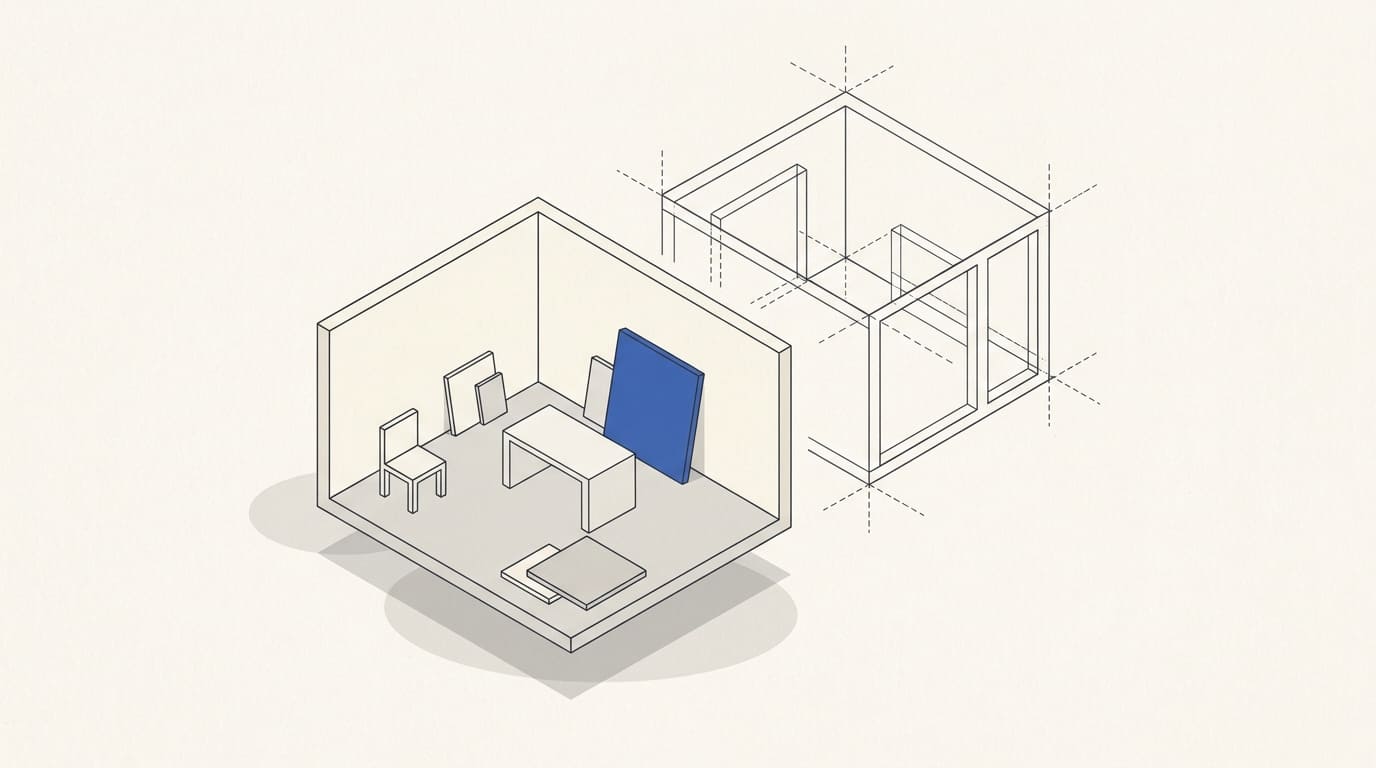
A customer wants to understand what an office, shop or service area could become before detailed design begins. An AI visual helps discuss atmosphere, material combinations and the design direction. However, a convincing image may contain a passage, furniture or lighting that cannot be implemented in the actual space.
To make the concept useful for decisions, define in advance what is being approved from the image and which questions remain for design and verification.
Give the concept a specific task
Choose the decision to be made: the character of the space, palette, combination of finishes, brand presentation or visual direction of an area. Do not try to approve style, layout, budget and technical solutions simultaneously from one image.
Clarify the audience: the business owner, manager, designer or partner. Show each what conclusions can be drawn at this stage.
If the concept is used in a commercial presentation, label its status alongside the image. Do not place it among photographs of completed spaces in a way that suggests an executed project.
Prepare information about the actual premises
Provide a plan with available dimensions and photographs from several positions. Mark entrances, windows, columns, level changes and equipment that must remain.
Add usage scenarios: how many people occupy the area, what they do, and where service, storage or equipment access is needed. List known limitations and what has not yet been checked.
Without dimensions, you can discuss the visual direction, but cannot treat depicted distances as a verified layout. A photograph also does not replace a measured survey: perspective does not provide reliable dimensions for every object.
Compare options around one decision
Prepare options with clear differences: for example, a lighter or richer palette, a different finish character, or a restrained or high-contrast design. Where possible, retain the viewpoint and main boundaries of the space.
Changing everything at once makes it difficult to understand what the customer has chosen. State which features change in each option and which remain illustrative.
Illustrative example. Two palettes are compared for a waiting area, with the entrance and desk in the same positions. The customer chooses a colour direction. Furniture dimensions, circulation space and the feasibility of installing lights are then checked during design, rather than treated as approved from the image.
If several viewpoints are needed, compare them with one another: doors, windows and principal elements should not quietly change position. The article on a consistent style for AI visual series complements this work on presentation.
Check that the image does not create extra promises
Compare the concept with the original constraints. Pay attention to:
- entrances, windows, columns and room boundaries;
- the number and relative positions of main objects;
- circulation routes and areas of use;
- lights and visible building services;
- materials and products whose existence needs confirmation;
- inconsistencies between viewpoints.
A concept visual does not confirm dimensions, structural strength, installation feasibility, safety or accessibility. Relevant specialists must check these decisions using the premises data and project requirements.
To explain the status, you can use a caption: “Concept image for discussing the visual direction. Layout, materials, equipment and costs will be confirmed during design.” This explanation must reflect the actual stage of the work.
Hand over the chosen direction for design
Save both the selected image and the reasons for choosing it: palette, surface character, lighting atmosphere and elements important to the brand. The designer can then develop the direction even if individual objects in the visual need replacing.
List open questions: surveys, actual products, building services, cost estimates, approvals and timelines. Assign an owner for each subsequent decision.
Do not turn concept approval into permission to order everything depicted. Purchasing requires confirmed specifications and suitability checks. Include options, refinement and adaptations separately in the visual stage budget; the article on AI visualisation costs explains the estimation approach.
AI interior concept brief
- Premises type and the purpose of the discussion.
- Plan, known dimensions and photographs.
- Usage scenarios and mandatory elements.
- Limitations and unverified conditions.
- References with an explanation of what is being used from them.
- Number of options, viewpoints and selection criteria.
- Image status and the subsequent design process.
- Approvers, source files and the next step.
You can discuss concept presentation as part of AI visual content. Provide the task, photographs and available plan; detailed design documentation, engineering calculations, specifications and implementation are not automatically included in image preparation.