
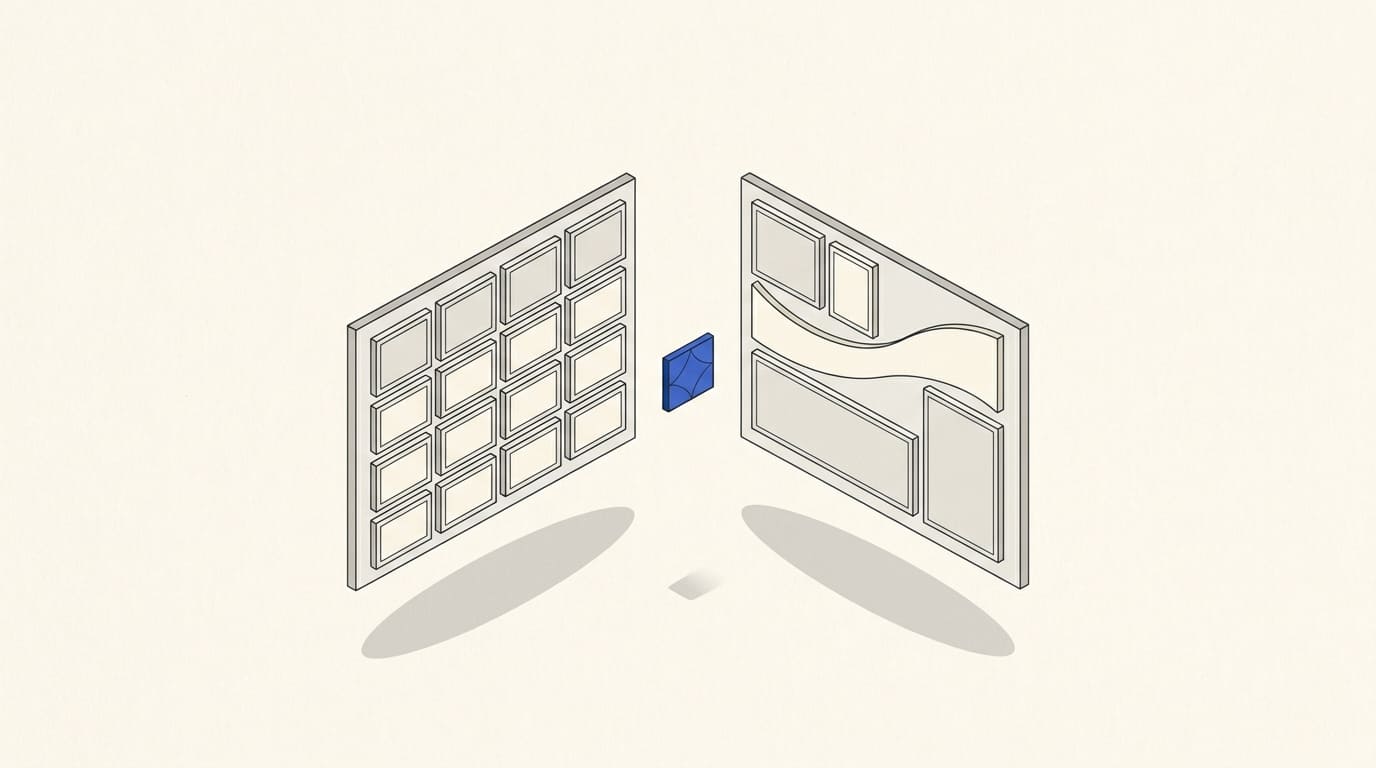
A template website reduces the work needed for structure and design when the existing layout fits your services, content and customer journey. Custom design makes sense when those needs call for a different arrangement of information, a distinct visual system or nonstandard interactions.
To choose the right option, compare both approaches against the same brief: identical pages, copy, features and launch requirements.
Let's look at where you can genuinely save work, when adapting a template becomes complicated and what to check before development starts.
How the two approaches differ
A template website uses existing pages or blocks. These are adapted to the company by changing copy, images, colors, fonts and available design elements. Depending on the project, the structure can also be adjusted.
A template does not have to be limited to one page. An existing layout can support several services, company information and examples of work. This is the approach used in template-based multi-page website development.
Custom design means planning page structure and visual design around specific business needs. The team decides how to present the offer, organize information and guide visitors toward the intended action.
Custom design and coding from scratch are different decisions. A website with its own design can still run on a website builder or an existing content management system.
A website's capabilities depend on its design, platform and technical implementation together. An attractive mockup does not by itself create a customer account area, CRM integration or complex calculator.
Where a template can save work
Establishing the visual foundation
A template already proposes the layout, typography, spacing and appearance of the main blocks.
If that system suits your content, you can adapt it instead of designing every page from the beginning. This is particularly useful when services are presented in similar ways and do not require different interaction patterns.
Changing the logo and colors is only part of the work. You also need to check that the actual copy is readable, buttons are clear and the design fits the brand.
Building similar pages
Suppose a company has several services that follow the same explanatory structure: the customer's need, scope of work, process, examples and inquiry form.
You can use a shared page template and change the content. This reduces repetitive work and helps maintain a consistent design.
Each service still needs its own explanation. A shared structure does not mean identical copy.
Reducing decisions and review rounds
An existing layout makes it easier to discuss a concrete option: whether the menu works, how the service page looks and where examples of work appear.
This can reduce the time spent choosing a visual direction. However, delivery still depends on content readiness, revisions, integrations and approvals.
If the copy is unwritten, photos have not been selected and the service list is changing, a template alone will not ensure a quick launch.
Adding content later
If the editor makes it easy to add pages using an existing structure, the team can publish new services or projects independently.
Check the editing process in advance and obtain instructions. Understand which changes can be made using standard tools and which require a specialist.
Where template limitations arise
Your actual content does not fit the structure
A template demo may show a short heading, three matching cards and one photo. Your company may have a long service name, descriptions of different lengths and several types of content.
After inserting the actual content, you may find that:
- headings take up too many lines;
- important terms have to be hidden;
- cards become difficult to read;
- the required sequence of sections is missing;
- the mobile version needs substantial changes.
Estimate the changes before buying or approving the template.
If most of the structure needs replacing, compare the cost of adapting it with custom design.
You need a particular way to explain the offer
Some services need only a description and inquiry form. Others require a guided selection process, comparison of options, explanation of a complex process or detailed evidence of experience.
If the existing template prevents you from explaining the service clearly, avoid reshaping the offer just to fit its blocks.
A multi-page website with custom design allows you to define the necessary structure first and then design around it.
You need features absent from the existing solution
A template screenshot does not show how forms, filters, calculations, booking or data transfers will work.
For example, an attractive form does not necessarily create a deal in your CRM with the required fields and processing rules.
For each feature, check:
- Is it available in the chosen platform or module?
- Does its logic fit your process?
- Does it require a paid service or additional development?
- Who will maintain it after launch?
These questions matter for both approaches. Custom design does not remove a platform's technical limitations.
Changes make maintenance more complicated
A template sometimes accumulates separate styles, scripts and exceptions. Eventually, a simple copy change or new page becomes a developer's task.
Additional code is not inherently a problem. Understand why it is needed, how it is documented and who can maintain it.
Before launch, ask for a demonstration of routine tasks: changing a price, adding a service, replacing a photo and editing a form.
One project, two development approaches
Consider a hypothetical brief, rather than an actual client project.
A company offers three services. It needs:
- six main pages: home, three services, about the company and contact;
- ready-to-use copy and photos;
- one language;
- forms that deliver inquiries through an agreed channel;
- a usable mobile version;
- the ability to add projects later.
Let's compare both approaches against the same requirements.
If the existing layout fits this brief well, a template may be a sensible choice.
Now change the conditions: each service has its own selection process, the brand requires an unusual composition and visitors need to compare options before contacting the company.
The amount of adaptation will increase. Custom design may be more convenient because it can account for these requirements from the outset.
Compare the cost of completing the whole brief. A low price for the starting layout says little about the final quote if substantial reworking is needed afterward.
What you should keep in scope when saving money
Whichever approach you choose, allow for:
- clear content and navigation;
- checking the mobile layout;
- working forms and inquiry delivery;
- correct links and contact details;
- the necessary page settings for search engines;
- owner access and editing training.
Existing responsive layouts help you get started, but they do not replace checking the website with your content.
For example, Tilda provides automatic adaptation of standard blocks and additional mobile settings; custom layouts can be created in Zero Block. After changes, check the finished page in preview mode rather than only in the editor. Tilda documentation on mobile layouts
Neither a template nor custom design alone guarantees search rankings or inquiries. Visitors need a relevant offer, information, usability and a working next step.
Can a template website look professional?
Yes, when the existing layout fits the task and is adapted well.
Consistent fonts, readable copy, suitable photos, careful spacing and coherent design all affect the impression. Remove demo content and check every page as well.
Custom design gives you more ways to express the brand's character. However, an unusual composition should make the website usable. If it makes service terms or the inquiry form difficult to find, visual originality does not meet the business need.
When choosing, look beyond the first screen. Evaluate service pages, the mobile version and everyday editing.
A practical template check before development
Choose one important page and try placing your actual content in it:
- Your longest service heading.
- The main description without artificially shortening it to fit the layout.
- Photos in the aspect ratios you already have.
- Terms the customer needs to see before contacting you.
- A form with the fields you actually need.
Then check the page on a computer and phone.
Assess whether the offer is clear without additional explanation, whether the text is easy to read and whether the intended action is easy to find.
Use the findings to create two lists:
- adaptation: replacing content and adjusting colors, fonts and available settings;
- reworking: new blocks, a different structure, nonstandard behavior and additional features.
Ask the provider to quote for each list separately. This shows how much work involves using the existing layout and how much involves changing it.
What to clarify in the development proposal
To compare options, ask the provider:
- Which existing layout will be used, and exactly what will change?
- Which pages and features does the proposal include?
- Do the template, licenses or modules need to be purchased separately?
- Who prepares and edits the copy?
- What happens if the content does not fit the chosen blocks?
- Are mobile layout checks and form testing included?
- Which changes count as additional work?
- What will the team be able to edit independently?
- How are new pages and language versions added?
- Who maintains nonstandard elements after launch?
You can review an example scope in the template-based multi-page website proposal. For your project, specify the exact pages, features and extent of adaptation.
For changes after launch, smaller tasks can be quoted separately through website support and design.
Which approach should you choose?
Choose a template when its structure fits your services, its visual foundation can be adapted without substantial reworking and the required features are available in the chosen solution.
Choose custom design when the content needs its own structure, services follow different decision journeys or the existing layout prevents you from communicating the offer's distinctive features.
You can combine the approaches: use standard solutions for conventional sections and custom design where needed. Quote for this option as a specific scope of work.
Sensible savings come from an existing solution that reduces work while retaining the capabilities your website needs. To check this, start with real content and one clear brief for both options.