
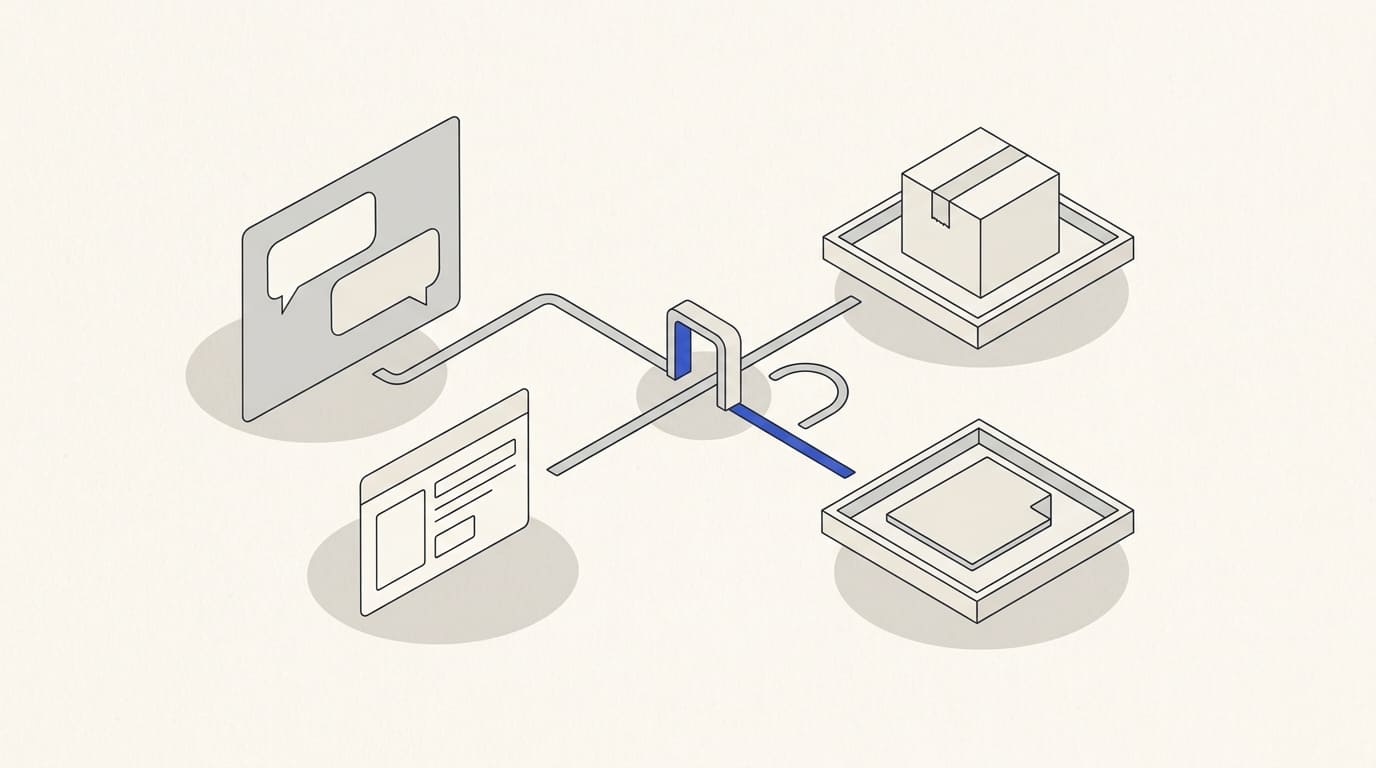
Hand a conversation over to a manager when the customer asks to speak to someone, raises a question outside the standard flow or is ready to discuss specific terms. A well-designed handover preserves their answers, assigns an owner and tells the customer what happens next.
First agree on where staff will work and how enquiries move between states. Then define the information to transfer and when the automated flow should pause.
Choose where staff will reply
This could be a CRM, an operator interface or an internal Telegram chat. For each option, check whether staff can view the history, assign an owner and send a reply to the right customer.
With an interface connected to the bot, replies can be delivered to the original chat if the integration supports this. Make it clear that a person has joined: for example, “Anna here, your project manager.”
If you direct the customer to a separate chat with a manager, provide the necessary customer action and transfer the context to the employee. Do not assume the history will automatically appear in the new conversation. For an ordinary bot, the user must send a message or add the bot to a group to initiate contact. Telegram limitations.
Define handover triggers and conversation states
A handover can start at the customer's request, after an enquiry is submitted, when no verified answer is available or when individual terms need discussion. For an AI assistant, the boundaries are covered in the article on answering from a company knowledge base.
Use clear states:
- Automated flow: the bot runs the agreed conversation.
- Waiting for staff: the enquiry is saved and queued.
- In progress: an employee has accepted the enquiry.
- Completed: the outcome and next step are recorded.
- Return to the bot: automation resumes an authorised flow.
Notifying a manager should not automatically move the enquiry to “In progress”. Record acceptance separately so an enquiry does not disappear from the queue just because a message was sent.
Prepare a context card
Pass on information that helps the employee continue the conversation:
- the enquiry identifier and the customer's language;
- the task, selected service and relevant answers;
- the latest question and reason for the handover;
- the original conversation within the employee's access permissions;
- related CRM records and attachments where needed;
- the current owner, handover time and expected next step.
A short summary helps staff get oriented, but they should be able to check the original answers. If AI generated the summary, distinguish assumptions from the customer's own statements.
Do not send the entire conversation to a shared chat unnecessarily. Details can be opened through a link to a system that checks permissions. Rules for qualifying enquiries can help determine the right route.
Prevent the bot and a person from replying at the same time
During handover, pause automated replies and reminders that could interfere with the conversation. Decide separately which technical acknowledgements should continue, such as confirmation that a file has been saved.
Assignment must be unambiguous. If two managers click “Accept enquiry” at the same time, the system assigns one and shows the other the current status. Clicking again must not create a new enquiry.
Link status changes and new messages to the same enquiry. If an integration fails, preserve the data and make the problem visible to the person responsible. Show “A manager has joined” only after someone actually accepts the enquiry.
Plan for queues and unavailable staff
Specify working hours, distribution rules, cover arrangements and what happens when the agreed waiting time is exceeded. Overdue enquiries should be visible to the person responsible for the queue.
Outside working hours, confirm that the request has been saved and explain a realistic response process. Offer an urgent alternative channel only if it is actually staffed.
When the conversation ends, record the outcome and the conditions for returning to automation. Do not restart the entire questionnaire if the necessary answers have already been collected. The customer must still be able to submit a new enquiry.
Illustrative handover flow
A customer completes an enquiry and asks to discuss the deadline.
- The bot saves the answers and creates an enquiry marked “Waiting for staff”.
- The customer receives confirmation that it was saved and an explanation of the response process.
- An appropriate manager receives a card with the question and a link to the history.
- The manager accepts the enquiry, and the system records the owner.
- The employee replies while automated questions for this flow remain paused.
- After the discussion, the manager records the outcome and closes the enquiry or returns it to an agreed flow.
During acceptance testing, check unavailable managers, simultaneous acceptance, repeated handovers, new messages while queued and revoked employee access. Monitor waiting times, unhandled enquiries and situations where customers have to repeat information.
For Telegram bot and Mini App development, prepare the states, context card and queue rules. Use the commercial proposal to agree on staff interfaces, integrations and handover acceptance criteria.