
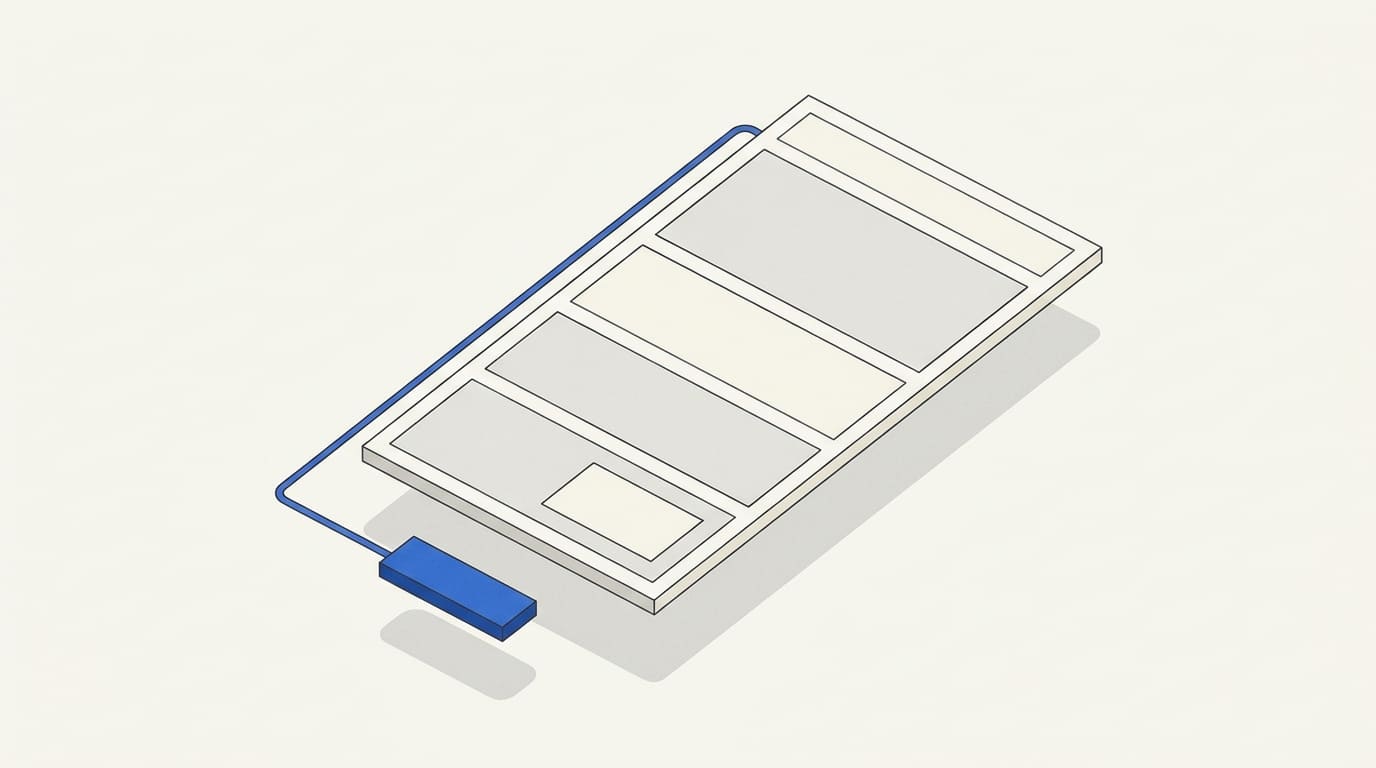
On a service page, visitors assess whether your offer suits them. They need to understand the task, scope, deliverables, terms and next step. If they have to gather this information from across the website, deciding to get in touch becomes harder.
Design starts with clear content. Headings, spacing, examples and buttons help people find the information they need, while specific explanations give them a basis for choosing a provider.
Below, we look at what to write on a service page, how to present it and how to check the finished page before publishing.
Start with a specific client need
Define the service the page describes and the need that brings someone to it. “Developing a company website” and “Improving a form on an existing website” involve different scopes, budgets and enquiry processes.
If your company offers several services, create separate pages where the tasks and terms genuinely differ. Each should contain useful, distinct information for choosing that service.
When planning a custom multi-page website, agree in advance which services will have their own pages, how those pages will connect to your portfolio and where visitors can enquire about a specific need.
Before writing, gather questions from client messages and consultations. You will usually need to explain:
- who the service is for;
- what the work includes and what the client receives;
- why the provider can be trusted;
- how much the work costs and what determines the price;
- how the collaboration proceeds;
- what happens after an enquiry.
These questions help define the content. You do not have to turn them into six identical sections on every service page.
Name the service and explain who it is for
The main heading should state the offer directly. A short explanation alongside it clarifies the audience, task and expected deliverable.
For example, “Comprehensive digital solutions” leaves too many questions unanswered. “Company website development for businesses with several services” immediately sets the context.
Clarify what you mean by the result. For website development, it might be a finished website with agreed sections and an enquiry form. Sales growth also depends on the business offer, traffic sources and how enquiries are handled, so it should not be presented as a developer’s promise.
Illustrative examples of editing service copy:
Use wording like this only when it reflects your actual service. These are copywriting examples, not a description of a compulsory package.
Show the scope and the deliverables at each stage
A list of professional terms may make sense to a provider but be unclear to a client. Explain what each task means for the project alongside its name.
For example, instead of simply writing “Prototyping”, say: “We prepare a plan of the pages and content layout so the structure can be agreed before design.”
For each significant part of the service, it helps to state:
- What you do.
- What the client receives.
- What they need to provide or approve.
- Which limitations or additional tasks may apply.
Distinguish stage deliverables from the business’s ultimate goal. A completed design, configured form or published page is a verifiable work outcome. The client’s revenue is not always within the provider’s control.
If the service has several packages, compare them using the same criteria: scope, features, support and additional expenses. Names such as “Basic” and “Premium” alone do not provide enough information to choose.
Explain pricing, timelines and the offer’s boundaries
For a fixed price, show the scope it covers. For a “from” price, describe the base scope and the factors that increase the cost.
For an individual quote, explain what information is needed: page count, languages, features, content readiness or required integrations. People should understand why a service name alone is not enough to calculate the price.
Explain timelines together with the conditions for starting. If work begins after materials are received and the brief is approved, place that information next to the timeline.
Clarify what is paid for separately: subscriptions, licences, extra materials, ongoing maintenance or project expansion. Important limitations should be visible before someone submits an enquiry.
Detailed terms can sit in a separate proposal. For example, a website development service page can link to our commercial offer for a multi-page website. Keep the essential scope and pricing process on the service page itself.
Support your claims with relevant examples
Choose evidence that matches the service. For website development, a published project with an explanation of the brief and completed work is useful. For design, show layouts and the reasoning behind decisions. For support, describe the problem fixed and how the fix was checked.
A short case study can explain the original task, constraints, your role and the result. If several providers worked on the project, identify what you did yourself.
Publish figures only when you have supporting data. If sales information is unavailable, describe the solution delivered without financial metrics.
Give reviews an identifiable source when it can be published. A general company review can complement the page, but an example of work in the relevant service gives visitors more insight into your approach.
If you do not yet have commercial case studies, publish a clearly labelled demonstration project. Readers should understand its origin.
Describe the collaboration from the client’s perspective
Visitors need to know what you require from them and which decisions they will make. Show the approval points: brief, scope, intermediate work, acceptance and handover.
Explain who the contact person will be, how materials are shared and how changes are discussed. If extra tasks change the estimate or timeline, explain the approval process.
Use the FAQ for details that come up in real work: whether you can start without finished copy, who owns the accounts and access credentials, or what happens after completion. Answers should match your terms.
Make the content easy to scan
Each section needs a clear heading. “What development includes” helps readers find the scope faster than the abstract “Capabilities”.
Split long paragraphs by meaning. A list suits a scope of work, a comparison table helps explain packages, and an example deliverable belongs beside its explanation. Place important terms next to the information they qualify.
Use a consistent heading hierarchy rather than relying only on different font sizes. W3C recommends organising content with heading levels that reflect the page structure. W3C guidance on headings.
On mobile, check reading order, visible terms and accessible buttons. Tables should remain readable, and fixed elements should not cover content or the form.
If you need to agree on presentation before development, prepare the page design in Figma: define the content first, then check its layout on desktop and mobile.
Connect the button and form to a clear next step
Choose the main action according to the service: request a quote, discuss a project, book a consultation or order a defined package.
The button text should match the action. For a complex service, “Discuss your project” can lead to a form asking for the brief. If the button promises a quote, the process for preparing it should be clear after contact.
Explain beside the form what to send and what will happen next. State a response time only if you can meet it.
Ask for the information needed for the first step. Contact details and a short project description may be enough for an initial discussion; add other details with a clear purpose. W3C recommends simple forms, necessary fields and clear instructions. W3C guidance on forms.
Check field labels, error messages, submission confirmation and delivery of the enquiry to the person responsible. If an alternative contact method is available, place it nearby.
Write to help people choose and to support search
Use the service name naturally in the heading, description and relevant subheadings. Expand the content through useful terms, examples and explanations.
There is no universal ideal page length. Google explicitly says that a particular word count is not the goal; what matters is whether people receive enough information for their task. Google’s guidance on helpful content.
Add links where they help visitors continue their decision: view a relevant project, read a detailed proposal or explore a related service. Link text should explain where it leads.
Checklist: is your service page clear?
Ask someone unfamiliar with the company to read the page and answer in their own words:
- What service is offered, and who is it for?
- What does the work include, and what is handed over to the client?
- What must the client provide or approve?
- How is the price determined, and which costs may be extra?
- What affects the timeline?
- Which examples demonstrate the provider’s experience?
- What happens after clicking the main button?
- How do you contact the company, and what happens after submitting an enquiry?
If the answers differ from your offer, clarify the relevant parts. This check can reveal unclear wording, but it does not replace evaluating the page after launch.
After publishing, look at the content of enquiries as well as their number. Repeated questions about scope, price or limitations can suggest which information needs to be more visible. Compare unsuitable enquiries with their traffic sources too.
A clear service page gives people enough information to make an informed enquiry. Its purpose is to explain the offer, demonstrate expertise and make the next step convenient. Results also depend on the service itself, traffic quality and how enquiries are handled.