
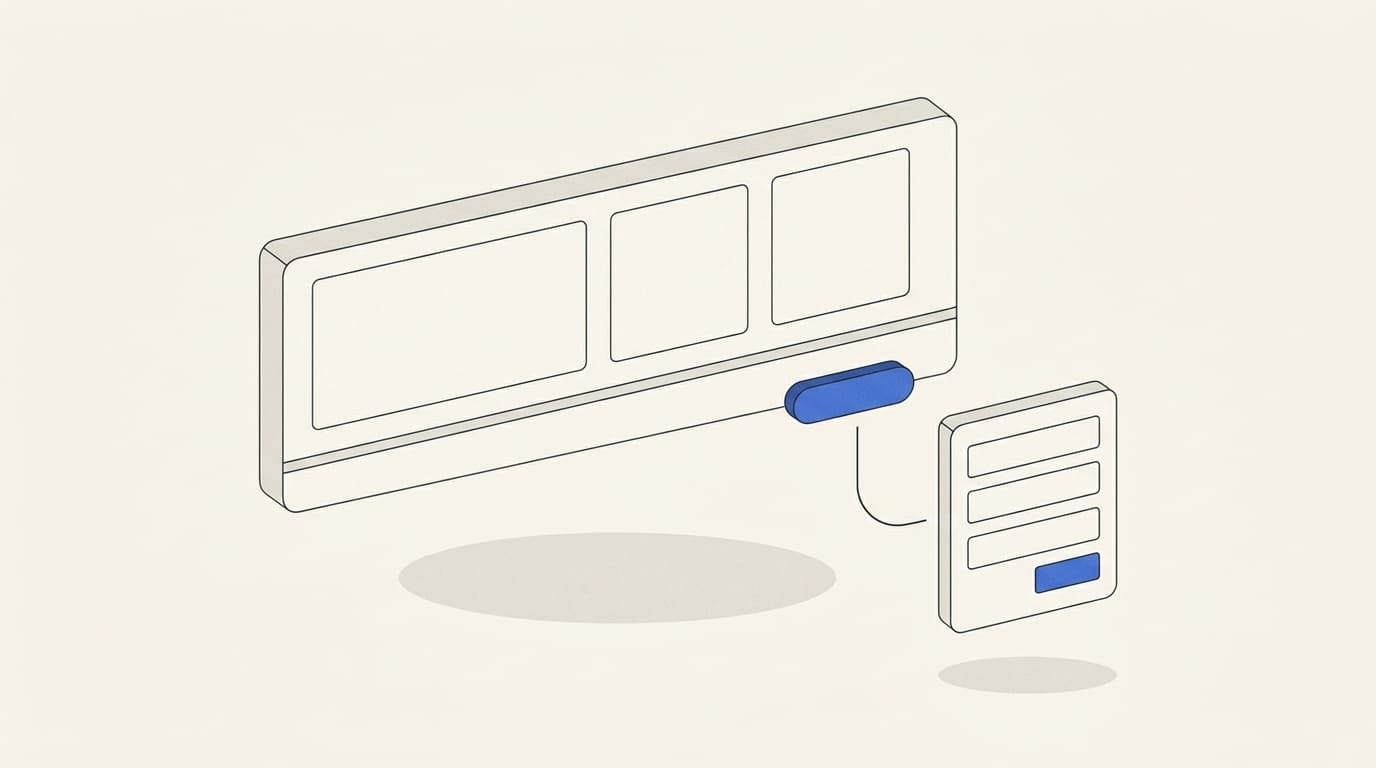
A visitor to a landing page needs to understand what you offer, whether the service fits their needs, what the work includes and how to get in touch. The page structure helps answer these questions in a clear sequence.
Start with the content: the offer, terms, evidence and next step. Then decide how to design and present each section. This makes it easier to spot missing information before design work begins.
Below is a practical sequence of sections, an illustrative content outline and a checklist for launch.
First, define the offer and the page goal
Before planning the structure, identify:
- The service: the specific offer you are promoting.
- The audience: who it is for and what they need help with.
- Traffic sources: advertising, search, referrals or other channels.
- The main action: requesting a quote, booking a consultation, submitting a brief or ordering the service.
If an ad promises a quote for a particular service, the landing page should clearly explain how to request it. Google recommends aligning the landing page content with the ad and its call to action. Google Ads recommendations for landing pages.
Include this logic in the brief for custom landing page development: what the visitor needs to find out, which information they should see and what happens after they contact you.
1. The first screen: service, context and next step
On the first screen, include your company name, a clear headline, a short explanation and the main button.
The headline should name the service. The explanation should clarify who it is for and what the client will receive when the work is complete. Phrases such as “New opportunities for your business” need further explanation and do not communicate the offer on their own.
Choose button text that reflects the actual action: “Request a quote”, “Discuss your project” or “Book a consultation”. If the button opens a form to start a discussion, do not label it “Buy”.
You can also show an important detail nearby: how you work, a starting price or the area you serve. Publish only current information you can substantiate.
2. Who the service is for
Help readers recognise their own situation. Instead of a long list of problems, describe a few specific needs the service addresses.
For landing page development, these might include launching a new service, preparing a page for an advertising campaign or presenting one service clearly.
If the offer has limitations, explain them. Visitors should be able to tell whether your approach suits them before completing a form.
3. What the work includes and what the client receives
Break the service down into clear components. For each one, explain the deliverable: a finished page, a document, a configured system or another specific outcome.
It helps to show:
- the main tasks and materials;
- what the client needs to provide;
- what the price includes;
- which tasks are quoted separately.
For website development, for example, distinguish between building the page, writing the copy, connecting services and ongoing maintenance. Visitors need to understand the scope before discussing a budget.
4. Evidence: projects, experience and reviews
This section helps visitors assess the basis for your claims. Use real projects, examples of completed work, verifiable qualifications and reviews with an identifiable source.
A case study should explain three things: the initial task, the work carried out and the verified result. If you do not have sales data, show the solution you delivered and explain the decisions behind it without making financial promises.
If you do not yet have case studies, use a clearly labelled demonstration project or show a sample deliverable. Do not present a training project as client work.
You can change this section’s position. If visitors choose providers by their portfolio, show examples earlier. If their main concern is what the service includes, explain the scope first.
5. How the work proceeds
Describe the stages so clients understand their role and where approval is needed.
For a page development project, the sequence might cover discussing the brief, planning the structure, approving the design, building and checking the page, then launching it and handing over access.
Explain which materials you need to start and what affects the timeline. If work begins only after receiving content or approving the brief, show that condition next to the timing information.
6. Pricing and terms
If the service has a fixed package, show the price and scope. If pricing is project-specific, explain what determines it and what you need to prepare an estimate.
For a landing page, these factors might include the amount of content, custom elements, language versions and integrations.
A “from” price is useful when readers can see what scope it covers. Also explain payment terms and any additional costs that apply.
You can repeat the main button after this section. Readers now have the information they need to discuss their project and should be able to find a way to contact you easily.
7. Questions people ask before getting in touch
Choose questions that actually come up when clients order the service. You can collect them from messages, consultations and client discussions.
For landing page development, these might include:
- whether clients need to prepare the copy themselves;
- whether they can use an existing domain;
- who can edit the page after launch;
- whether advertising and maintenance are included;
- how extra languages or integrations are priced.
Answers should clarify the terms. If important information is already in a main section, do not make the FAQ its only visible location.
8. The enquiry form and submission confirmation
Before the form, explain why you are asking for details and what happens next. For example: “Leave your contact details and briefly describe your project. We will discuss the scope and what is needed for a quote.”
Ask for the information needed for the first step. For an initial project discussion, a contact method and a short description may be enough. A company name, website link or budget can be useful, but each field should have a clear purpose.
There is no universal number of fields. Booking a specific service may require different details from arranging an initial consultation. W3C recommends collecting only the information needed for the process and keeping forms simple. W3C guidance on forms.
Check that:
- fields have clear labels;
- required information is identified in advance;
- error messages explain what to correct;
- successful submission produces a confirmation;
- the enquiry reaches the person responsible.
Clear error and success messages are part of the guidance for accessible forms. W3C guidance on user notifications.
Include company contact details and the necessary document links in the footer. If clients may prefer another way to contact you, provide an available alternative channel.
Illustrative outline: a landing page for website development
Below is an example of the content and section order. Use it as a starting point for discussing the structure, then adapt it to the provider’s actual terms.
Agree on the content of this outline before moving to the visual design. If you need a separate design stage, our website design service in Figma can help you agree on the section layout and mobile version before development.
What to check on mobile and in analytics
On mobile, focus on reading order, accessible buttons and a working form. Check that headings are not cut off, text is readable, the keyboard does not obstruct form completion and fixed elements do not cover the content.
The main buttons can lead to the same form. Place them according to page length and the points where visitors have enough information to get in touch.
In analytics, distinguish a button click from an enquiry actually received. GA4 provides the generate_lead event for lead generation. Its setup should correspond to a real action on your website. Google Analytics events for lead generation.
After launch, assess traffic sources, enquiries and their quality. If people submit unsuitable requests, review the offer wording, limitations and advertising content.
Structure checklist before launch
- The first screen clearly identifies the service.
- Visitors can tell whether the offer suits them.
- The scope and deliverables are described specifically.
- Case studies, reviews and claims can be substantiated.
- Stages, timelines and approval requirements are clear.
- The price or the way it is calculated is explained.
- Buttons match the action that follows a click.
- The form works on mobile, shows errors and confirms submission.
- The person responsible receives the enquiry, and analytics records the intended action.
From a content structure to a finished page
There is no required number of sections or a single order that suits every service. Keep the sections that help visitors understand the offer and decide whether to contact you. Combine repeated information and adjust the sequence to your audience’s questions.
To assess your project, you can review our commercial offer for landing page development. Before work begins, agree on the page goal, content scope, enquiry form and required integrations.
A clear structure helps visitors understand the service and gives the company an enquiry with a defined need. Results after launch also depend on the offer, traffic quality and how enquiries are handled.