
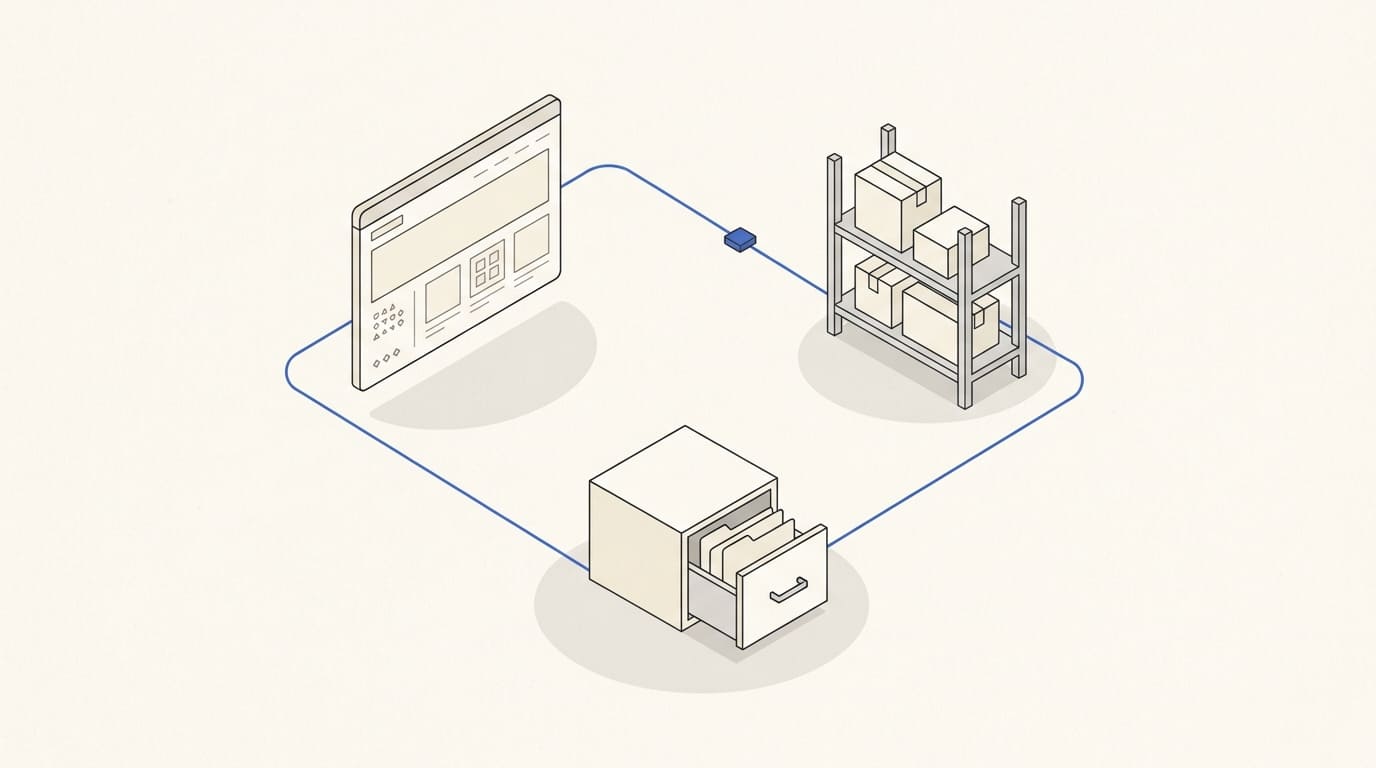
Integration should remove repeated data entry and keep records consistent. If an order reaches the CRM but the warehouse receives a different variant or an old stock figure returns to the website, a connection alone does not establish reliable synchronisation.
Start with a data map: who creates each record, who may change it and where the result goes. Then define what happens with duplicates, delays and failures.
Assign an authoritative source for each type of data
One system does not have to be authoritative for everything. The warehouse may determine available stock, the shop may own text and photographs, and the CRM may hold the assigned sales representative and communication history.
The key is to prevent two systems independently changing a field and overwriting each other. Assign the source and direction of exchange for prices, stock and statuses.
Hypothetical example: descriptions are edited on the website, while prices come from the business management system. A price update must not erase the edited text. Record this in the exchange rules.
Send product and specific variant identifiers
Agree on stable product and variant codes. A name is unsuitable as the only key: it can change or be shared by different items.
For product data exchange, define:
- the item identifier and link to its parent model;
- price, currency and unit of sale;
- available quantity and reservation rules;
- unavailable or discontinued flags;
- attributes the receiving system actually needs.
Do not send every field to every system unnecessarily. The warehouse may not use the SEO description, while the CRM may not need every technical specification.
The article on preparing a product catalogue for import covers source codes and attributes.
Describe order contents and separate statuses
Send a stable order ID, creation time, items with variant codes, quantities, prices at purchase, discounts, delivery, total amount and currency.
Preserve the agreed order value. A later catalogue price change must not silently alter an existing purchase.
Separate order, payment and dispatch states. “Created”, “Paid” and “Handed to the carrier” are different events. Define which system confirms each and which transitions are allowed.
Send the customer details needed for processing: contact information, address, billing details where required and a link to an existing customer. Agree separately on matching rules. One shared company telephone number does not always identify one buyer.
If communication consent information is transferred, do not substitute the purchase itself for consent. Keep the source and state of consent required by your process separate from the order.
Define when stock changes
Distinguish physical warehouse stock from the quantity available to sell after reservations. The shop may need the latter rather than the total.
Define when stock is reserved, released, deducted and returned. Cancelling an unpaid order and returning an already dispatched product should not be treated as the same event.
If sales use several channels, check competition for the final item. Scheduled updates alone do not guarantee protection against simultaneous orders. You need an agreed mechanism for confirming availability or limiting sales.
Specify an acceptable exchange delay and what happens when data is stale. These depend on the range and sales pace, so there is no universal update frequency.
Account for duplicates and failures
The same notification may arrive more than once. Processing it again must not create another order, deduct stock twice or initiate another refund.
Stripe, for example, warns of duplicate webhook events and does not guarantee delivery order. Its documentation recommends tracking processed events and not relying on a fixed arrival sequence. Check the rules of other integrations separately. Source: Stripe.
Agree with the developer on error logs, retries and a safe recovery process. If the CRM is unavailable, the order should remain in its designated source, and the team should see the problem and have a way to transfer it later.
Reconcile records: did every order arrive, do totals match, and are there unexplained stock discrepancies? A technical server response does not itself confirm correct processing inside the system.
A practical integration acceptance checklist
Before launch, check the agreed scenarios:
- A new order transfers the correct variant, quantity and amount.
- Resending updates the existing record without duplication or another stock deduction.
- A catalogue price change does not alter an existing order's terms.
- Cancellation releases reserved stock under the agreed rules.
- A partial refund correctly reflects money and the affected items' states.
- A system failure does not lose the order and leaves a clear error record.
- After connection recovery, data transfers without repeating operations.
- Selling the final item across channels follows the agreed scenario.
For each check, record starting conditions, the expected outcome and the record in every participating system. Assign someone to monitor the exchange after launch.
When developing an online store, the data map helps estimate integration separately from design and content. Discuss changes to an existing website through website support and design; scope depends on the platform, available APIs and the connected systems' restrictions.
Reliable synchronisation means agreed sources, correct data and a clear recovery process when exchange is interrupted.