
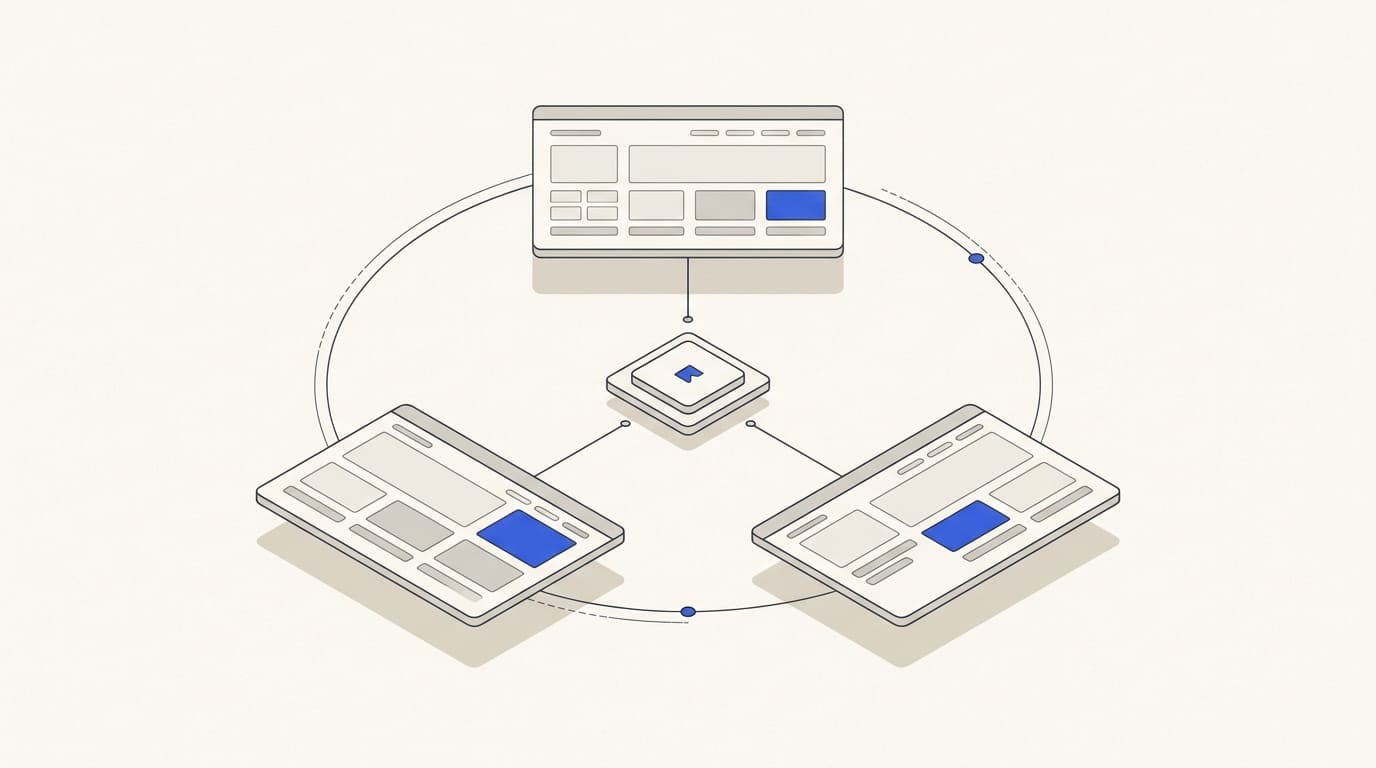
On a multilingual website, a change rarely affects just one piece of text. A new price may appear on the service page, in a proposal, in FAQs and in the email sent after an enquiry. Updating only one language version can leave visitors seeing conflicting terms.
To keep content consistent, establish a clear workflow: an approved source version, a list of related materials, assigned responsibilities and checks after publication. Even a small website can follow this process without a complex translation management system.
Define the source version and permitted differences
For each change, designate an approved source text. This is the version used to prepare the other languages. At the next update, your team should know which document is current and who approved it.
Shared source information does not require a literal translation. Wording, examples, currencies and terms can vary by market when your company deliberately structures its offer that way.
Distinguish between:
- facts that should match: service scope, team information and current contact details;
- agreed differences: service availability, prices or processes for a particular market;
- accidental inconsistencies: an old offer, a forgotten link or an untranslated message.
Record agreed differences together with their reasons. Otherwise, an editor may mistakenly replace the correct local version during a later update.
List the pages and related materials
For each main page, keep its Russian, English and Czech URLs. Alongside them, note which other elements use the same information.
The list may include:
- the service page and proposal;
- menus, footers and contact sections;
- cards and descriptions in the article listing;
- forms, error messages and confirmations;
- automated emails;
- SEO titles, descriptions and social metadata;
- files that visitors download from the website.
Not every change requires a review of the entire website. A list of dependencies helps identify the specific places affected by the revised content.
Create a short RU / EN / CZ glossary for recurring service names and terms. It will help preserve a consistent meaning across menus, headings and emails.
Assign responsibilities and clear statuses
Identify who approves the facts, prepares the adaptation, checks the language and publishes the changes. In a small company, one person may hold several roles, but each check should still be clearly defined.
Use simple statuses:
- Change approved.
- Language versions prepared.
- Content and links checked.
- Changes published.
- Live pages checked.
A completed translation does not mean the website has been updated. Saving changes in the editor also does not confirm that visitors see the intended version.
Check the full visitor journey
Read the page and complete its main action: switch languages, open the offer, fill in the form and check the email.
Visitors should not unexpectedly encounter another language because of an old button or shared template. For each language, check links to services, articles, contact details and downloadable materials.
If contact details or an address have already been entered into a form, check what happens when the language is switched. Whether the information is retained depends on the implementation, but visitors should understand what happened to their partially completed enquiry.
Our article on enquiry form fields and submission confirmations explains which elements of the form itself need to be translated.
Preserve the relationships between language versions
After changing a URL or adding a page, check the language selector and the technical links between versions.
The selector should lead to the corresponding page in the other language. If there is no equivalent, choose a clear response: explicitly offer an available language or a related page. Avoid implying that a complete translation exists.
For hreflang, Google states that each language version should reference itself and the other corresponding versions, using fully qualified URLs. Changing one URL therefore requires checking the related annotations. See Google's guidance for localized pages.
A URL folder and a language code serve different purposes. For example, a Czech page can be located in /cz/, while the Czech language code used in hreflang is cs.
Technical checks should also cover indexing settings and the page's canonical URL. These topics are explored in our article on SEO for multilingual websites.
Illustrative example: updating a service
Suppose a company changes a package so that client training now takes place in a separate meeting. This is a hypothetical example, rather than a change to our own offer.
The workflow could be:
- Approve the new service scope and meeting terms.
- Find references to training on the service page, in the proposal, FAQs and emails.
- Prepare the three language versions.
- Check that the included work and next step are described consistently everywhere.
- Coordinate publication of all affected materials.
- After publication, follow the visitor journey in each language.
For changes to important terms, plan updates to minimise the period of inconsistency. If publication is phased, decide in advance which pages will temporarily remain available and how the transition will be explained.
Change record template
Create a short record for each update:
- What is changing: a fact, term, text or feature.
- Why: the reason for the revision.
- Where: page URLs and related materials.
- Source text: the approved wording or a link to it.
- Versions: the status of RU, EN and CZ.
- Differences: agreed variations for each market.
- Responsibilities: preparation, review and publication.
- Review date and outcome: what is already live and what remains to be done.
Keep the previous version or a backup using a method available on your platform. If an error is found, it should be clear what to restore and which language versions to check again.
Organise regular updates
Small changes can be collected in an agreed list and checked before release. For urgent corrections, use the same workflow with less time between stages, while including every required language version.
When choosing a support arrangement, distinguish occasional tasks from an ongoing volume of updates. We cover this in our article on website maintenance and hourly pricing.
Updates to Tilda, WordPress and Webflow websites can be discussed as part of website support and design. Translation, publication and technical checks should each be included explicitly in the agreed scope.
Keeping three language versions consistent depends on tracking changes. An approved source, a list of dependencies and checks of the published result help you find discrepancies before a client notices them.