
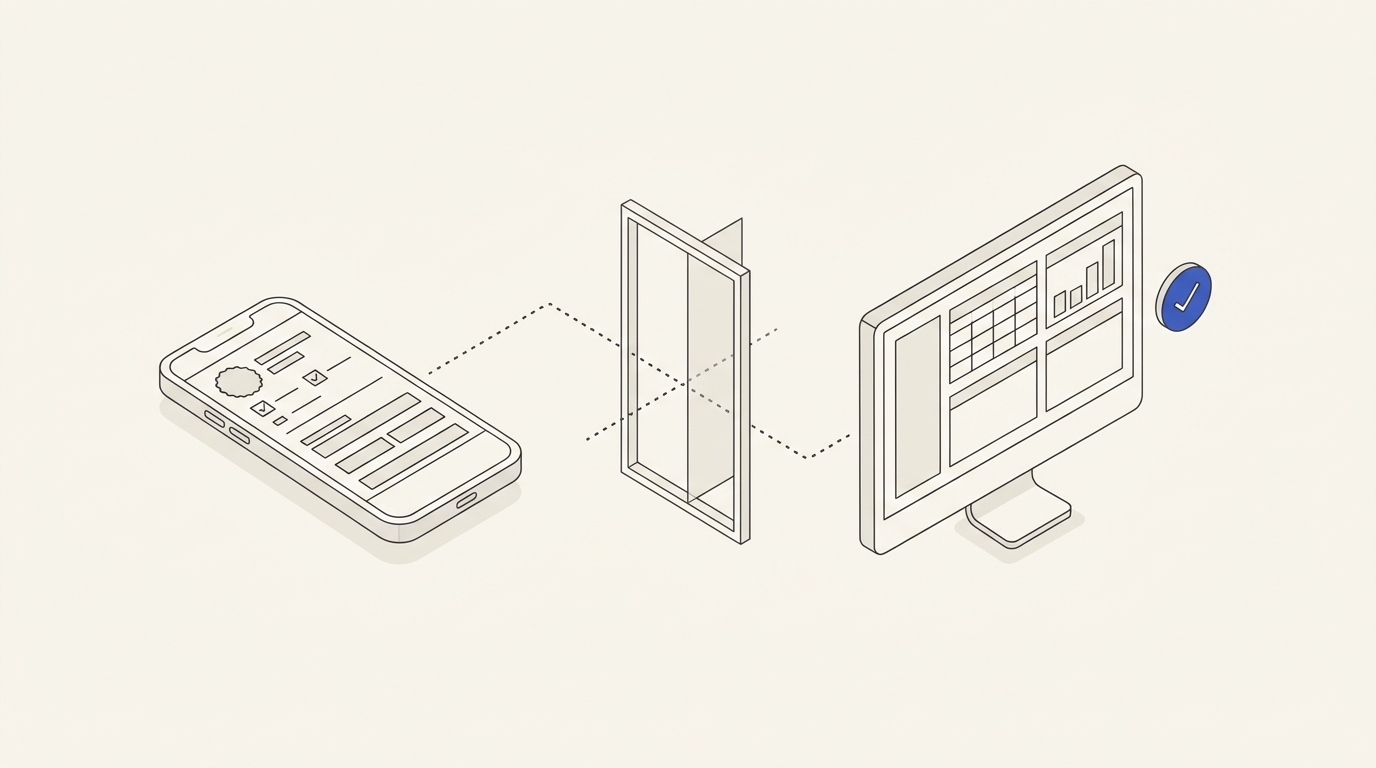
A customer updates an enquiry in a Telegram Mini App, sees “Saved”, but the manager continues working with the previous data. This is not merely a cosmetic bug: an order might be processed with the wrong delivery instructions. The cause may be local UI state, an interrupted API request, delayed synchronisation, simultaneous edits or the manager's stale cache. A safe solution needs an explicit contract defining when data is genuinely saved.
Changing a field is not the same as server confirmation
The interface should distinguish unsaved local changes, saving, server-confirmed, rejected and reload-required states. Never show “success” immediately after a click without a server acknowledgement. If offline editing is permitted, define what is retained as a local draft, whether it survives restart and how it is eventually synchronised. A pending request is not a completed update.
Protect simultaneous changes
Two users can open record revision 7; the first saves revision 8 while the other continues editing revision 7. Without optimistic locking or an agreed conflict policy, the second save may silently overwrite the first. Send the expected revision with updates and validate it on the server. For business-critical fields, show a conflict and ask the user to review changes rather than silently selecting the last writer.
Telegram identity is not blanket authorisation
Telegram documentation requires server-side validation of Mini App initData; initDataUnsafe must not be treated as trusted. But validating a Telegram launch does not authorise arbitrary changes to other customers' records. Check ownership and action permissions on every update, using the backend's authoritative data. Telegram Mini App development must align authentication, record ownership and the manager dashboard with the actual storage architecture.
Filled hypothetical TASK-099: change a contact time
Synthetic enquiry A-099 initially records 14:00 in revision 7. The customer changes it to 16:00. The server validates their rights, accepts the update and returns revision 8. A manager who still has revision 7 open must either receive a refresh or an explicit outdated-data warning.
- Open A-099 at revision 7 and edit the time locally. Until confirmation, the UI shows “unsaved changes”.
- Send request ID, expected revision 7 and value 16:00; authorise this specific record on the server.
- Only after a successful response display 16:00 as saved, optionally with revision 8 where appropriate for the interface.
- Update the manager dashboard or display a safe action to reload the newer revision instead of continuing at 14:00.
- Repeat with conflict: the manager changed the value to 15:00 from revision 7 before the customer saves. The server must not silently lose either edit.
Positive acceptance: every participant sees revision 8 or is clearly instructed to reload. Negative: the app displays success before the API response, an old value overwrites new data or a user can edit someone else's enquiry by modifying the ID.
Agree the technical work before coding
Provide data schema, editing operations, roles, API contract, synchronisation path, log retention, permitted delays and examples of conflict. Individual website and design support can address targeted interface or integration problems, but database conflicts and security checks need backend scope and testing. The design handoff should describe error and reload states, not simply a green “Saved” toast.
Make conflict handling an explicit requirement
In a scenario-based bot and integration specification, record how revisions are generated, which system is authoritative and what happens if a manager and customer edit the same field. Compatible independent field updates might be merged only after deliberate design; conflicting values usually need a clear rejection and reapproval. Client-side version numbers are claims to be checked, not authority.
Commercial and architectural limits
The published Mini App commercial offer discusses CRM and external integrations, but does not imply ready-made version reconciliation or guaranteed cross-service transactions for any architecture. Quote the exact APIs, expected consistency, cache invalidation, event retries and audit trail separately. Through contacts, send anonymised failing requests, access roles, current architecture and desired acceptance scenarios.
Second test: shipping address M-99
Fictional customer M-99 opens a shipping profile at revision 7 and changes address A to B. The request contains the record ID, expected revision 7 and new address. The server may save revision 8 or return a conflict. If a manager has simultaneously changed the address to C, neither update may disappear silently.
- Client shows the locally edited address B as pending; a network interruption must produce an error, not a success state.
- The server validates user and field permissions, accepts revision 7 → 8 only when the actual record revision still matches.
- On success, the app re-reads the agreed source and shows B; the CRM receives the authorised update through the defined integration path.
- On conflict, show the existing current value and provide an explicit resubmit decision; do not overwrite C automatically.
End-to-end acceptance for TASK-099
Positive: after reopening the app, B remains saved and the manager sees the same record after the agreed synchronisation period. Negative: a success toast appeared before the server answer, then connectivity failed and the manager's C replaced B without warning. Also test impersonation by changing the record ID, delayed CRM events, duplicate retries and stale client caches. Report both the Mini App result and the CRM observation; do not claim “zero latency” from a successful interface animation.