
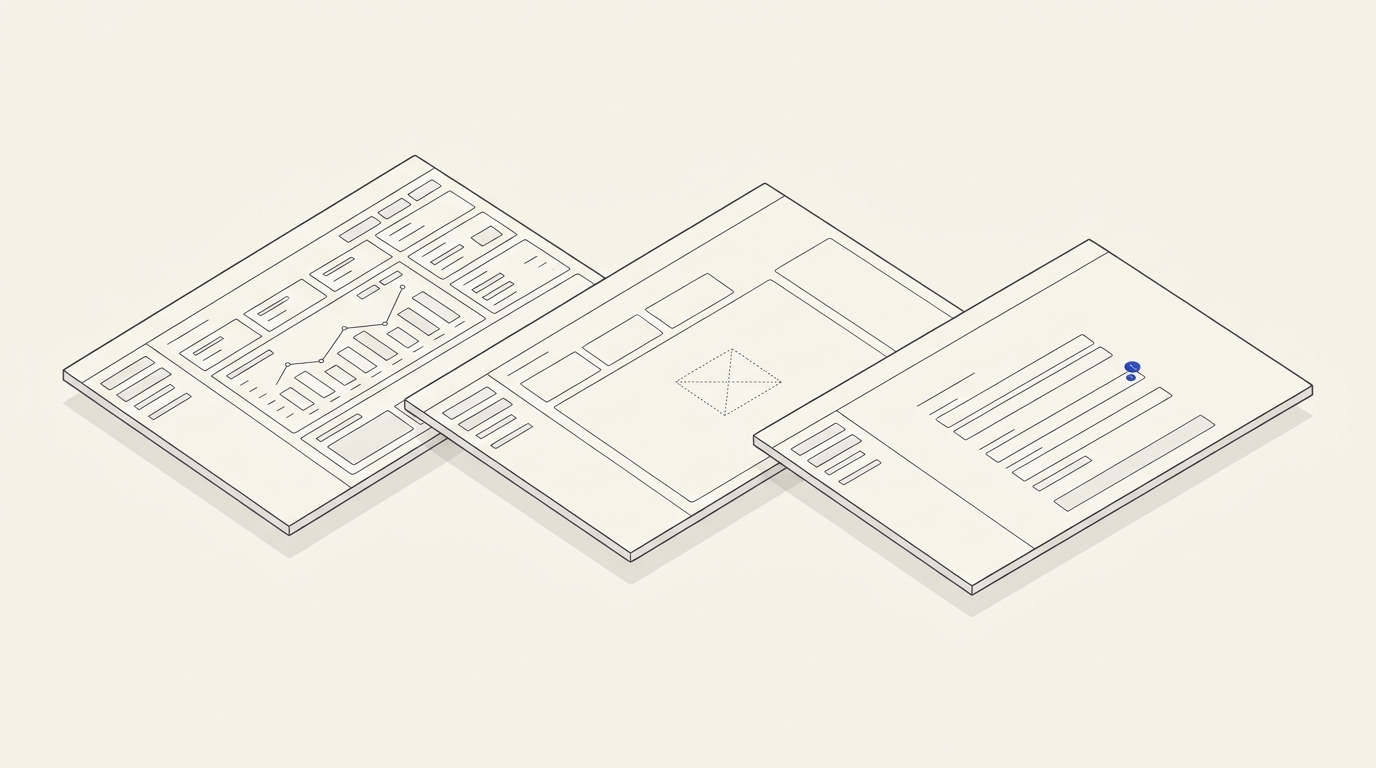
Client portal designs are commonly shown with all demo data in place: invoices, requests, notifications and charts. Yet a new customer signs in to an empty account, loses their network connection, cannot access a document or has restricted employee permissions. If those situations were not commissioned, developers must invent the user interface during implementation. Rework grows and system messages become inconsistent.
Inventory data entities and available actions
For every section, list its entities and expected volumes: invoices, tickets, messages, documents and events. Define why data may be absent: new account, applied filter, deleted item or failed request. These are different states. An empty filtered result should permit changing the filter, while a brand-new dashboard should explain the first useful action.
Include loading, network failure, permission denial, form validation, saving conflict and successful confirmation. Avoid one generic “Something went wrong” when the system can explain a useful next step. Critical transactions also need protection against duplicate charges and a clear indication of the true completion status. The original RU mentions a specialised article on Figma empty states; a matching published English URL could not be verified, so this version does not fabricate one.
Separate design responsibilities from backend logic
The design defines message meaning, hint placement, action priority and transitions between states. The backend determines real causes and access permissions; a designer must not invent how those checks work. List undocumented API errors in the brief so the team can clarify the technical contract before acceptance.
For an existing portal, start with a review of pages and errors. If the interface is already live, design support and website changes can address specific states, with the estimate depending on architecture and scenario count.
Worked hypothetical TASK-084
Fictional portal P-84 has tabs “Invoices”, “Requests” and “Documents”. A new account has no invoices, already has three requests, and fails to load one document. Design separate states for these events instead of filling every screen with imaginary successful records.
- In Invoices, show a no-records explanation describing when the first invoice appears and an action to request one only if permitted.
- In Requests, show three cards with different statuses, then show the empty result of an applied filter.
- In Documents, show a loading error with a safe retry and a way to contact support.
- For a read-only observer, remove editing actions and explain that a document is inaccessible without revealing another customer's private data.
- Check keyboard navigation, the order of error messages and mobile layouts.
Positive test: a customer understands why the list is empty and can change a filter or retry a safe action; the UI agrees with the actual state. Negative test: a request failure is displayed as a normal empty list, loading never ends or an access-denied message exposes another client's data. The last case requires separate technical access testing, not merely a Figma revision.
Include specific files and acceptance terms in the agreement
Request an interactive flow prototype, a state list by entity, component library, error-copy inventory, mobile versions and an API requirements map. Designs do not replace tests with actual server responses. For an individual quote, supply roles, business operations, API error codes and the count of distinct screens. A brand visual system can guide styling, but a usable path through empty and failed states is the real acceptance objective.
State matrix for portal acceptance
Fictional service CAB-84 allows customers to review orders and download documents. Its minimum specification covers more than populated lists: no orders, denied access, loading, network error, partial loading and an expired document link. For each state, agree on the visible explanation, the allowed next action and where help requests go.
- No orders: explain the empty list and link to placing an order, without blaming the user.
- Loading: signal that work is in progress and prevent repeated submissions when they could create duplicates.
- Network error: do not replace missing data with a fabricated empty result; offer a clear retry.
- No permission: hide restricted information and distinguish a permission request from a download action.
- Expired document: explain the issue and provide the correct help channel rather than a random destination.
Testable CAB-84 scenario
Customer with test account A-84 opens an area containing no orders. After refresh, sample order O-84 appears. When the network is turned off, the UI says the request failed rather than “no orders”. If another user B-84 attempts to read document D-84, no contents are revealed. These are expected synthetic test states, not claims about a real portal audit. Positive test: every state has a specific explanation and next step. Negative test: access denial leaves an endless spinner or “Retry” creates two orders.
Provide designers with real API responses and error documentation from developers, user roles, deletion policies, workflow map and genuine examples of empty screens. The resulting design package should include desktop/mobile states, components, copy and transition rules; implementation and server-side security testing are scoped separately. The identity commercial offer does not constitute a fixed-price customer-portal design package, so request a project-specific estimate.