
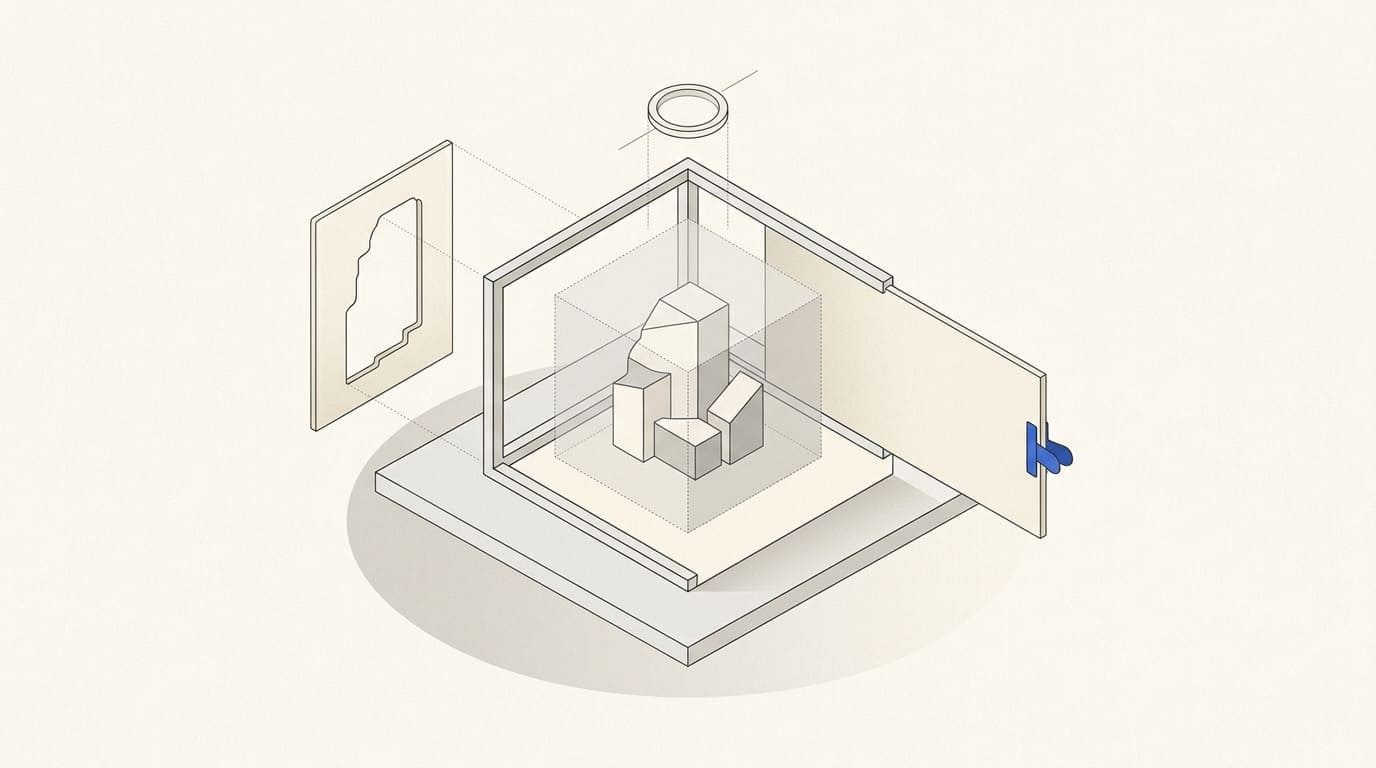
“Make the product more realistic” does not identify the fault: body shape, material, label or lighting. The provider changes the whole scene, and new product errors appear alongside the corrected background.
A useful revision connects a specific area to a confirmed reference and expected result. It also states what must remain unchanged.
Select the version and checking reference first
Identify the filename and version. Do not combine comments on different exports without clarification; some elements may already have changed.
Open approved product photographs, graphics and variant specifications. They define accuracy. If a reference is incomplete, request missing information instead of describing a detail from memory.
Prepare the foundation using inputs for AI visualisation. Each comment should identify either a product accuracy correction or a change to the approved creative treatment.
Separate comment types
Three categories are useful:
- Product accuracy: shape, proportions, part count, construction and markings.
- Scene treatment: background, composition, light, shadows and atmosphere.
- File suitability: cropping, resolution and element placement in the required format.
Fix errors changing the product or offer meaning first. Then assess the scene and adaptations. A good background does not compensate for an incorrect label.
A new product variant requires a separate task with confirmed data, rather than an unnoticed revision to the previous model.
Describe the location, problem and action
For each comment, state where the element is, what is wrong, the expected result and how to check it.
Illustrative example. “In product-02-v3, an extra seam appears on the right armrest. Remove it using detail-04 as the reference. Preserve the armrest shape, fabric and background.” This is verifiable; “the sofa looks strange” only invites clarification.
Composition comments also need specific signs: another object obscures the product, text space is missing or a shadow points the wrong way. Explain which reference feature matters instead of requesting a wholesale copy of someone else's image.
Identify protected elements
State the model, colour, finish, graphics and construction details to retain. For background changes, consider protecting the original object with a separate mask or layer.
Object and scene separation is covered in AI backgrounds for product photographs. Changing surroundings should not automatically regenerate the product.
If the method cannot correct the shape without new distortion, discuss another photograph, manual editing or a different approach. Repeated attempts alone do not establish accuracy.
Consolidate an agreed revision package
Appoint someone to combine feedback and resolve contradictions. A product specialist confirms facts, the brand owner approves treatment and the placement owner checks format.
Separate required fixes from preferences and new requests. Clarify which changes belong to the agreed scope and which need reassessment.
After export, check the revised area and neighbouring elements, then compare the whole file with inputs. A local revision can affect texture, markings or an outline elsewhere. Retain versions using AI visual library rules.
A revision and acceptance template
- File and version concerned.
- Image area and problem type.
- Confirmed reference or placement condition.
- Required action and expected result.
- Protected elements.
- Priority, owner and agreed scope.
- New export check and approval status.
To discuss AI visual content, provide this record with inputs. Precise comments support assessment and acceptance against verifiable features while distinguishing correction from a new concept.